
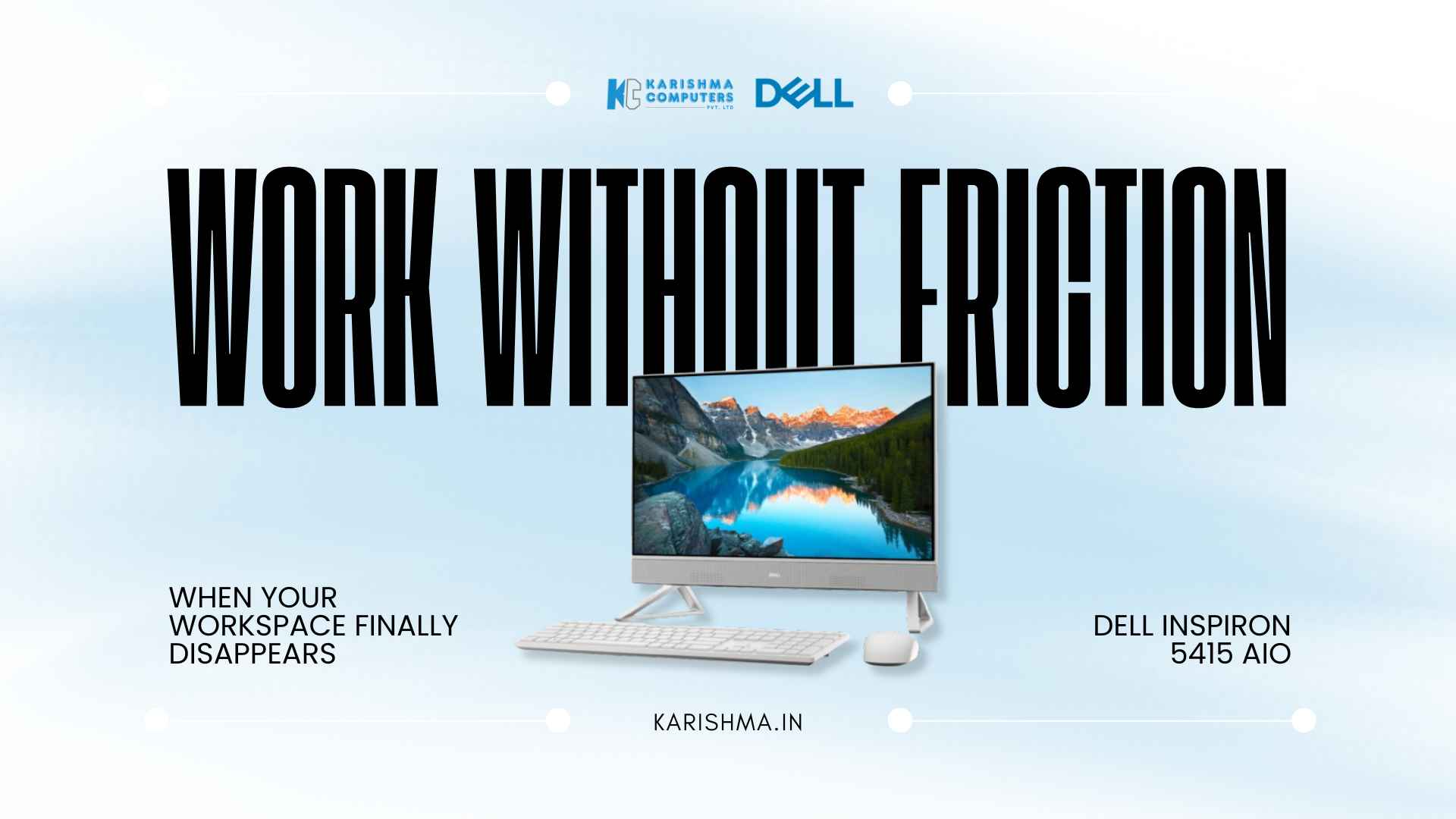
Dell Inspiron 5415 AIO Transforms Delhi NCR Home Offices From Chaos to Clarity
When Workspace Chaos Meets the Dell Inspiron 5415 AIO Solution A consultant in the Dell Inspiron 5415 AIO’s target market Delhi’s Dwarka Sector 10 counted seventeen cables snaking across the desk last month. Desktop tower occupying prime real estate. External speakers. Separate webcam mount. Keyboard wire crossing mouse wire. The visual noise competed with actual work for mental bandwidth. This wasn’t a technology problem. The equipment functioned. Projects moved forward. Clients remained satisfied. But the workspace itself created friction. Every video call meant adjusting the external camera. Every desk organization attempt meant working around the tower. Every cable presented another opportunity for accidental disconnection. Workspace chaos accumulates gradually. One cable. One peripheral. One workaround. None individually problematic. Collectively, they transform a work environment into something that requires active management rather than passive use. The pattern surfaces repeatedly across Delhi NCR’s home office landscape. Residential spaces converted to professional use. Spare bedrooms becoming command centers. Dining tables doubling as desks. The equipment works, but the integration doesn’t. What the Dell Inspiron 5415 AIO Changes Through Integration The all-in-one approach addresses workspace chaos through elimination rather than organization. No separate tower to position. No tangle of cables to manage. No external peripherals to coordinate. The 23.8-inch display houses the computing components, integrates the webcam, and connects wirelessly to included keyboard and mouse. That consolidation creates immediate visual transformation. The consultant’s seventeen cables reduced to one power cord. Desk space previously occupied by tower and peripherals cleared entirely. The workspace shifted from requiring management to simply existing. But the change goes deeper than aesthetics. AMD Ryzen 5 processing power ensures the streamlined design doesn’t compromise capability. Multi-tab workflows, video conferencing, document production, spreadsheet analysis—the tasks that define professional work—execute without hesitation. The all-in-one form factor doesn’t mean all-in-one performance limitations. An architecture firm in Mayur Vihar discovered this during their office renovation. Twelve workstations needed upgrading. Space constraints in Delhi’s commercial real estate made traditional desktop setups problematic. The integrated design provided full computing capability within the monitor footprint. Desk space increased. Cable management simplified. The workspace density improved without compromising individual work capacity. The Privacy Webcam Feature in Dell Inspiron 5415 AIO March 2020 changed video conferencing from occasional convenience to daily necessity. That shift brought awareness of something previously unconsidered: cameras pointing at home spaces continuously. The pop-up webcam addresses this directly. Physical mechanism. When not in use, it retracts completely into the display bezel. No lens exposed. No software toggle required. No tape covering camera lenses. The privacy solution becomes mechanical rather than procedural. A legal services firm in Connaught Place needed this feature specifically. Client confidentiality extended beyond document security to visual security. The ability to physically retract the webcam provided assurance that video couldn’t activate without deliberate action. That mechanical certainty mattered in their compliance framework. The webcam design also solved the aesthetic problem that external cameras created. No mounting hardware. No USB cables. No positioning adjustments. The integrated solution eliminated another element of workspace management. When Display Quality Actually Matters for Professional Work The 23.8-inch Full HD display with narrow borders creates substantial screen real estate without corresponding desk footprint increase. The narrow bezel design approximately 6.5mm on three sides maximizes viewing area while maintaining compact overall dimensions. For professions requiring sustained screen time, this specification combination proves relevant. A financial analyst in Gurgaon’s DLF Cyber City works with multiple spreadsheet windows simultaneously. The display size accommodates side-by-side data comparison without constant window switching. The narrow borders reduce visual distraction from the frame itself. ComfortView Plus technology adds another dimension. Blue light reduction without color accuracy compromise. For teams working extended hours on screen-intensive tasks, eye strain becomes operational concern rather than minor inconvenience. The technology addresses this without requiring external screen filters or manual adjustments. A content creation team in Lajpat Nagar mentioned something unexpected. The display quality made client presentations more effective during video calls. The clarity and color accuracy meant showcasing design work or visual content translated better through screen sharing. That wasn’t the primary purchase consideration, but it became a noticed operational benefit. The Wireless Freedom Reality for Home Office Setup The included wireless keyboard and mouse complete the cable-free transformation. That specification might seem minor. The operational impact isn’t. Wireless peripherals eliminate the final cable connections between user and computer. The freedom to position keyboard and mouse anywhere within reasonable range creates ergonomic flexibility. Lean back while reading long documents. Pull keyboard closer for intensive typing. Adjust mouse position for comfort. The workspace adapts to the task and the user’s preference rather than cable length dictating positioning. An executive coaching business in Vasant Kunj uses this flexibility strategically. Video calls with clients benefit from camera distance variation. Typing notes requires keyboard proximity. Reference document review works better with more distance from screen. The wireless setup allows position changes without cable management complications. The included accessories also solved another quiet annoyance. No separate peripheral purchases required. No compatibility concerns. No additional vendor relationships to manage. The complete solution arrived in one package. What AMD Ryzen 5 Processing Delivers Daily AMD Ryzen 5 processors bring specific capabilities to everyday professional tasks. Multi-core architecture handles simultaneous operations efficiently. Web browsing while video conferencing while running business applications becomes standard rather than system-taxing. A market research consultancy in Nehru Place runs data analysis software, presentation tools, and communication platforms concurrently. Their previous systems required choosing between applications or accepting performance degradation. The processing power eliminated those compromises. Everything runs simultaneously without perceptible slowdown. The processing capability also future-proofs against software evolution. Applications grow more demanding over time. Operating systems add features. Cloud services become more complex. Having processing headroom means the device remains capable as software requirements increase. The Space Equation for Delhi NCR Home Office Reality Delhi NCR’s residential real estate presents specific constraints. Apartments where spare bedrooms measure 10×12 feet. Living rooms converted to workspace during business hours. Dining tables serving triple duty. Every square foot matters. The space efficiency addresses this directly.