
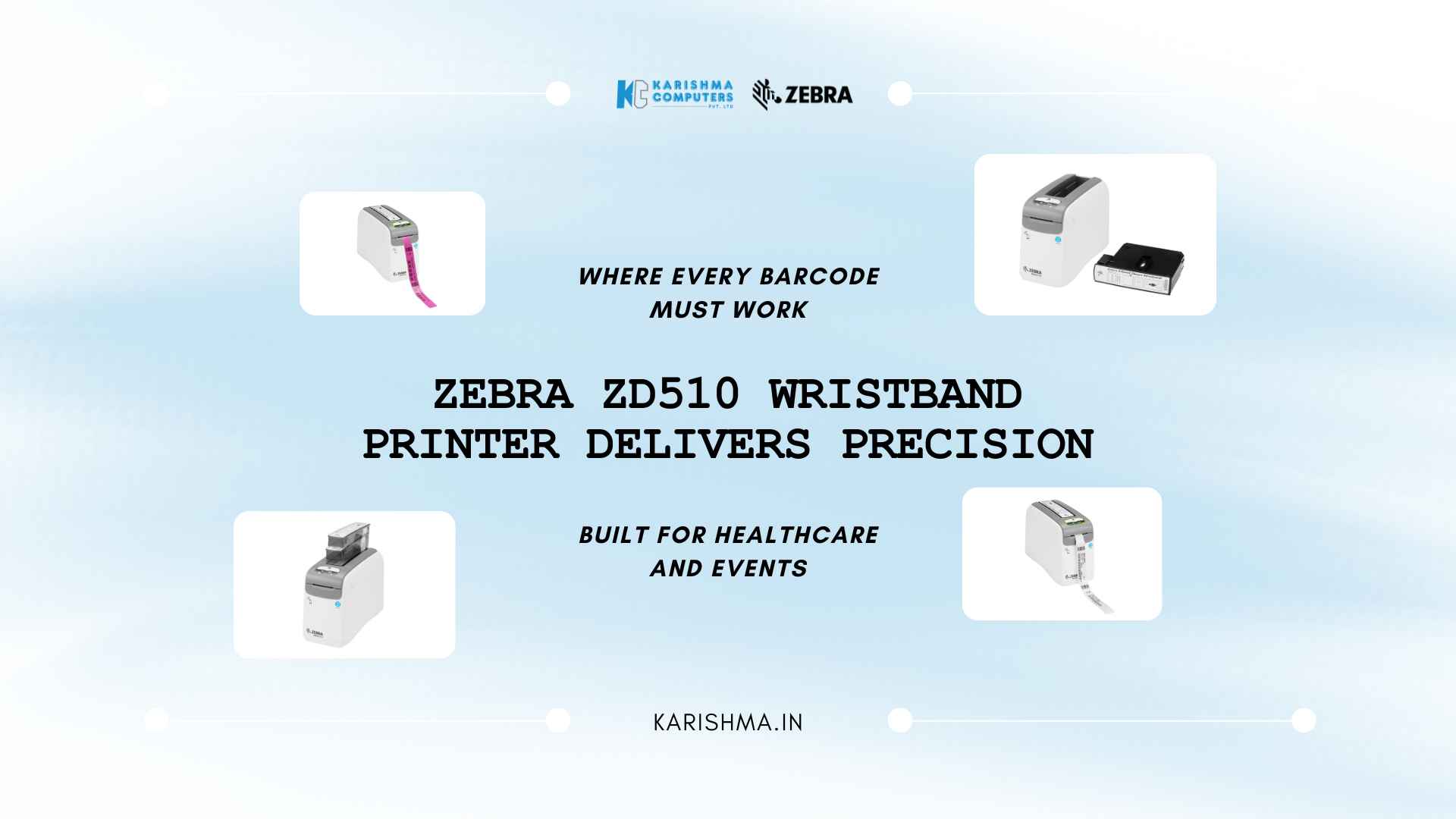
5 Reasons Zebra ZD510 Wristband Printer Beats Standard Printers and 1 Reason to Think Twice
The Zebra ZD510 Wristband Printer and Why Precision Matters in High-Stakes Print Environments The Zebra ZD510 wristband printer occupies a specific and consequential position in operational infrastructure. Hospitals, event facilities, and care institutions across Delhi NCR are discovering that wristband printing is not a peripheral function. It is a patient safety protocol, an access control mechanism, and a liability record, compressed into two centimetres of printed media that wraps around a wrist and must remain readable for hours or days. What gets printed on that band, and how reliably, matters far more than its size suggests. When a Wristband Carries More Than a Name A private hospital in Gurugram’s Sector 44 medical corridor processes between 90 and 140 admissions daily. Every admitted patient receives a wristband. Every wristband carries a name, a date of birth, a medical record number, a barcode linked to their file in the hospital management system. The nursing staff scans that barcode before every medication administration. The lab technician scans it before drawing blood. The surgical suite scans it before the patient enters the operating area. A wristband with a smudged barcode, a faded print, or a data entry error linked to wrong media is not a printing inconvenience. It is a clinical risk. This is the environment the Zebra ZD510 wristband printer was designed for. Not adapted to. Designed for. What the Zebra ZD510 Wristband Printer Does Differently Direct Thermal Printing Without the Variables Standard desktop printers handle wristband media poorly. Ink ribbon systems introduce variables that compound in clinical environments. Heat exposure from sterilisation equipment, hand sanitiser contact, and prolonged wear all degrade output quality on media that wasn’t purpose-matched to the printing mechanism. The ZD510 uses direct thermal technology calibrated specifically for wristband media. No ink ribbons. No toner cartridges. No colour-matching adjustments across shift changes. The output is consistent from the first print of the morning to the last print of the night shift, which matters when the barcode on print number 140 needs to scan as reliably as print number one. RFID-Ready Media and Hospital System Integration Modern hospital management systems increasingly require RFID-enabled wristbands alongside barcode identification. The ZD510 handles RFID-ready media natively, which future-proofs the infrastructure investment for facilities that are currently running barcode-only workflows but anticipate migration. The printer operates on Zebra’s Link-OS platform, which integrates with hospital information systems without custom middleware development. For IT teams managing infrastructure across multi-site healthcare networks, standardising on Link-OS reduces the support overhead considerably. Configuration changes, driver updates, and remote management all happen through a single platform. The ZD510 in Delhi NCR’s Healthcare Expansion Delhi NCR is mid-expansion. New private hospitals are operational in Dwarka, Greater Noida, and along the Yamuna Expressway medical corridor. Established facilities in Noida’s Sector 26 and Faridabad are upgrading admissions infrastructure to meet accreditation requirements from NABH and JCI. Equipment decisions made during these expansion phases tend to persist. A hospital that standardises on a wristband printing platform during initial setup rarely revisits that decision for eight to ten years. This makes the initial specification choice disproportionately important relative to its budget line. The ZD510’s compact footprint suits admissions desk environments where space is managed carefully. Drop-in media loading means admissions coordinators reload and continue without calling IT support. These operational details accumulate into meaningful productivity differences at the end of a high-volume admissions day. Event Management and Access Control Applications The application extends beyond clinical environments. Large-format events across the NCR region have moved to wristband-based access and cashless transaction systems. A theme park near Gurgaon running 2,500 visitors on peak summer weekends issues wristbands at entry that function as day-pass identifiers, ride access tokens, and cashless payment instruments. Each wristband carries a barcode, a colour code for tier (premium, standard, child, staff), and in RFID-enabled systems, a linked transaction account. The durability requirements for event wristbands are different from hospital wristbands but share one characteristic: the print must survive the environment it was issued into. Water exposure, sun exposure, repeated scanning at ride entry points, and incidental mechanical wear are standard conditions at an outdoor event facility. The ZD510’s direct thermal output on purpose-matched wristband media handles these conditions reliably. Output that looks clean on issue and scans accurately eight hours later. What to Evaluate Before Choosing Wristband Printing Infrastructure Volume is the first variable. At under 30 wristbands daily, a purpose-built system may represent unnecessary investment. Most general-purpose thermal printers with compatible media can handle low-volume wristband applications adequately. At 80 or more wristbands daily, and particularly in environments where print quality failure carries consequence, the calculation changes. The Zebra ZD510 wristband printer sits at a specification level designed for this volume range and above, where reliability and media compatibility are primary concerns rather than secondary ones. Media compatibility deserves careful attention. The ZD510 is certified for specific Zebra wristband media types, and this matters operationally. Off-brand or generic media on purpose-built printers creates calibration issues that erode the consistency advantage the hardware provides. Procurement decisions for media should be made alongside the hardware decision, not separately. Integration Requirements Facilities running electronic health record systems will want to confirm integration compatibility before procurement. The ZD510’s Link-OS platform supports integration with major hospital management systems in use across Indian healthcare infrastructure, but site-specific configurations should be verified with the IT team before commissioning. For event management deployments, the printer’s compatibility with event access control and ticketing platforms available in the Indian market should be confirmed against the facility’s existing software stack. The Commercial-Grade Positioning Zebra’s equipment sits in the commercial and industrial tier of printing infrastructure. The ZD510 is positioned for environments where the printer operates continuously, where downtime carries operational consequence, and where the output quality standard is non-negotiable. This positioning is reflected in build quality, media handling, and support infrastructure. Zebra’s service network in India covers major metropolitan areas including Delhi, Gurugram, Noida, and Faridabad, which matters for enterprise procurement teams who require assured response times when equipment issues arise. The