When Bound Documents Become a Liability: Ricoh ScanSnap SV600 (formerly Fujitsu) and the Archive Problem Nobody Budgets For
In short How an overhead contactless scanner such as the Ricoh ScanSnap SV600 can help Delhi NCR professional firms digitise bound documents.
Please confirm current availability with us.
Organisations discover the Ricoh ScanSnap SV600 (formerly Fujitsu) rarely through planned procurement. They arrive at it through a specific failure: a reference book that needed to be shared with a client immediately, a bound contract that had to become a searchable file overnight, and images distorted enough at the spine to be unusable for professional use. A management consulting firm in Faridabad reached that point during a client engagement. The proprietary industry study they needed was a long, spiral-bound report that existed in one physical copy, and the deadline was close.
The Wrong Explanation That Held for Too Long
The firm had several bound research reports purchased over previous years. Each one was treated as a physical reference, consulted in the office, and never digitised. When a junior analyst needed to pull a specific statistic from the 2021 report for a presentation being built in a hotel room in Bengaluru, she called the office and had a colleague read the paragraph over the phone. Two numbers in the transcription were transposed.
The firm’s response to this near-miss was sensible on its surface: they created a shared tracking document where staff could log which reports were available and where each was physically located. That system was abandoned because keeping it updated was a full-time task for no one in particular.
The explanation running the firm’s operations was that knowledge-sharing was a discipline problem. Different teams did not communicate well enough. The recommendation, formally put to the managing partner, was more structured team meetings and a revised file-naming convention.
The bound documents, and the technology that could not handle them without damage, were never reviewed.
What the Invisible Invoice Actually Charged
The cost of that misdiagnosis accumulated in three places. First, in research delays where analysts waited for physical documents to be retrieved from another desk, another floor, or another city. Second, in a client deliverable that contained a transposed figure and required a correction email, an explanatory call, and reconstructed work. Third, in an informal practice of photographing pages with mobile phones, which produced images with shadows, spine distortion, and inconsistent lighting that made dense tabular data nearly impossible to read accurately.
None of this appeared in any budget line as inadequate scanning infrastructure. It appeared as communication overhead, rework hours, and, in the correction email, as a minor factual discrepancy. The actual cause remained unexamined for a long time.
A Pattern Across Professional Services in Delhi NCR
The consulting firm’s situation is not specific to consulting. The same pattern appears in legal practices in Nehru Place managing bound case law references, in chartered accountancy offices in Connaught Place with physical client files from previous assessment years, and in publishing houses and research agencies in Okhla maintaining printed catalogs and reference volumes that no one has had time to digitise.
The consistent error across these organisations: they value physical archives by what the shelves contain rather than by what can be retrieved from them. A shelf of bound research reports represents a serious investment in knowledge. If those reports cannot be searched, shared, or reproduced without manual intervention, their practical value is limited for anyone who is not physically in the room where the shelf sits.
A document that exists but cannot be reproduced quickly is of limited use in operational terms. Organisations that have not yet reckoned with this tend to discover it during a deadline, which is an expensive moment to discover it.
What the Ricoh ScanSnap SV600 Actually Does
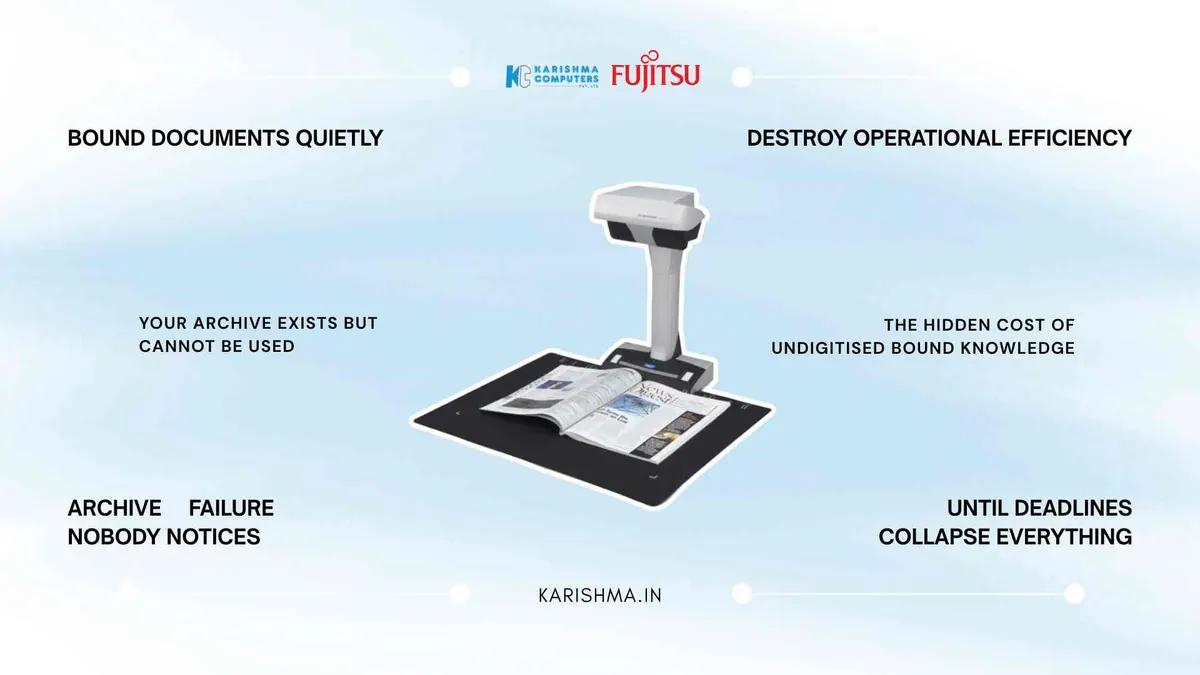
The SV600 is an overhead contactless scanner. The document being scanned lies on the desk surface beneath the scanner unit. The SV600 scans without touching the surface. The Ricoh India page lists scanning of items up to 30 mm thick.
This matters specifically for bound materials, where specific figures, clause numbers, or referenced page numbers must be reproduced exactly.
Ricoh lists advanced image correction on the SV600, which flattens curve distortions in scanned books and other bound documents.
How the Ricoh ScanSnap SV600 Handles Bound Materials
Two additional features address practical challenges that appear when scanning bound materials with a human operator working at pace.
Ricoh lists finger-image removal, which erases finger images captured during scanning.
Ricoh also lists Page-Turning Detection, which automatically begins scanning when a page is turned, without a manual button press between pages. Ricoh lists 3 seconds per page; actual speed depends on settings and the operator.
Where the Ricoh ScanSnap SV600 Fits in a Professional Office Environment
The SV600 addresses the category of materials suited to overhead scanning: bound books, spiral reports, fragile original documents, oversized reference pages, and materials where preserving the physical original without damage is a requirement, not a preference.
In Delhi NCR’s professional services environment, where organisations frequently maintain physical archives accumulated over years of client work, regulatory filing, and purchased research, this distinction matters operationally. The fi Series is Ricoh’s range of sheet-fed document scanners. The SV600 handles the bound archive that sits on a shelf until someone needs a specific reference.
Organisations considering deployment should also factor in ScanSnap Home, Ricoh’s all-in-one software. A bound report does not become useful simply by becoming a digital file; it becomes useful when its contents can be found and searched, so plan how scanned files will be organised.
What Changed for the Consulting Firm
The Faridabad firm digitised its bound reports and stored them on the firm’s shared drive. No external service was involved and no documents left the office.
Later, during the next engagement that required access to the same 2021 industry report, the relevant analyst found the specific section quickly. The physical copy had not been consulted since the digital version was created.
One detail emerged during the digitisation process that the firm had not anticipated. Some of the reports contained handwritten annotations in pen, margin notes from previous client projects that had never been recorded in any other system. Those annotations were captured in the scans. Knowledge that existed only in a margin, in a single physical copy, on one shelf in one office, was now in a shared and searchable system. That was not the reason the SV600 was purchased. It was what the purchase made visible about the archive that had already been sitting there for years.
FAQs
Q1: What is the Ricoh ScanSnap SV600 designed for?
The Ricoh ScanSnap SV600 is an overhead contactless scanner: it scans without touching the surface. This suits bound books, spiral reports, and fragile documents. Ricoh lists advanced image correction, which flattens curve distortions in scanned books.
Q2: Can the SV600 scan books and bound documents without damaging them?
Ricoh describes scanning without touching the surface and without cutting or damaging originals. The scanner captures from above. Ricoh lists items up to 30 mm thick. Handle fragile originals with care.
Q3: How fast does the SV600 scan?
Ricoh lists 3 seconds per page. Finger-image removal and Page-Turning Detection are designed to help scanning proceed with fewer manual steps. Actual speed depends on settings and the operator, and specifications can vary by region; please confirm the India variant with us.
Q4: What is the advanced image correction feature in the SV600?
Ricoh lists advanced image correction for the SV600. It flattens curve distortions in scanned books and other bound documents.
Q5: Is the Ricoh ScanSnap SV600 suitable for professional services firms in Delhi NCR?
It can suit law firms, chartered accountancy practices, consulting firms, and publishing organisations in Delhi NCR that maintain physical archives of bound documents. It suits bound books, annotated reference volumes, fragile originals, and oversized pages.
Q6: Where can organisations in Delhi NCR purchase the Ricoh ScanSnap SV600?
Karishma Computers supplies Ricoh scanners (formerly Fujitsu) in Delhi NCR. Please confirm the exact model and availability with us.
This article uses an illustrative scenario. Names, figures and outcomes are examples, not customer results.
Keep reading
Not sure which fits?
Tell us what you need. Our team will help you choose and send a quote.