
What NCR Home Offices Discover About the Dell 27 Monitor S2721HN After Three Months of Hybrid Work
In short NCR hybrid workers reach a Dell 27 Monitor S2721HN decision after months of single-screen frustration, and the costs the IT budget never sees.
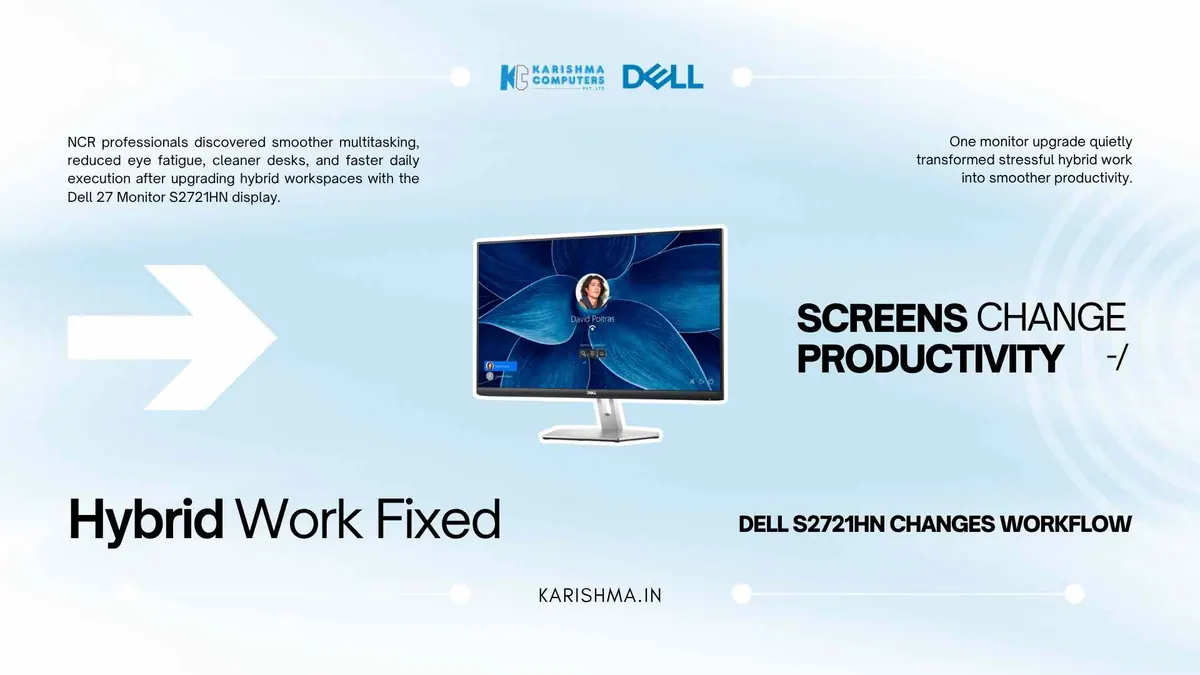
In hybrid households, the Dell 27 Monitor S2721HN conversation usually surfaces about three months after the hybrid arrangement gets formalised. Until then, the laptop on the dining table or the 24-inch screen bought during the 2020 lockdown carries the entire workload. Nobody updates the equipment because nobody calls hybrid work a permanent state. It just keeps being permanent.
A senior marketing analyst working out of Vasant Kunj reached this point in early 2025. Her quarterly reviews started carrying a phrase she had not seen before in her years of corporate work: decreasing output velocity. She read the comment as fatigue. She tried Pomodoro timers, the 5 AM productivity protocol, two different chairs, and finally a wellness sabbatical. The output stayed slow.
The actual cause was inside her workspace. Her laptop screen was 14 inches. Her side reference monitor was a 14-inch portable picked up during the lockdown. Every campaign deck required many simultaneous tabs across analytics, design files, client briefs and approval threads. She was spending a large share of her working hours finding the right window, scrolling, switching and reorienting. None of that showed up in any time-tracking software. It showed up only in the gap between expected and actual finish.
The Pandemic Setup That Never Got Replaced
This is the workspace evolution most NCR hybrid professionals are quietly waiting through. The setup that worked when nobody was sure if work-from-home was real has now stayed in place for nearly five years. The monitor was an emergency 2020 purchase. The desk was a coffee table that got promoted. The chair came from the dining room and never returned.
The single-screen workflow does not announce itself. It does not crash. It just absorbs attention. Every Alt-Tab is a small cognitive cost, and across a working week those costs add up to a vague sense of being behind without an explanation.
Why the Dell 27 Monitor S2721HN Conversation Hides Behind Other Diagnoses
Dell India lists the S2721HN as a 27-inch Full HD IPS monitor. A larger panel can pull the workflow back into one continuous visual field. Dell lists a 3-sided bezeless design, which suits pairing it with a laptop screen or a second monitor.
Most companies are quietly running performance review conversations that should have been equipment review conversations. A team is described as slow when its setups are slow. A worker is described as disengaged when her workflow is fragmented. The pattern is consistent across NCR firms regardless of sector: marketing, finance, design, content, analyst roles.
What the Dell 27 Monitor S2721HN Solves at the Desk
Hybrid workers spend most of their day in spreadsheet cells, document margins and meeting tiles. Dell lists Full HD (1920 x 1080) at 75 Hz for this monitor, with an IPS panel, Dell ComfortView Plus and AMD FreeSync.
The Dell 27 Monitor S2721HN includes two HDMI ports. The hybrid worker who attaches a laptop in the morning and a personal device in the evening can keep both connected without unplugging cables: one display, two inputs, less clutter.
The Invisible Invoice in the Performance Review
Here is the cost that almost nobody attributes correctly. When a campaign deck arrives a day late or an analysis ships with less depth than expected, the comment appears in a quarterly review under delivery quality or team execution. It does not appear in the IT budget line or the equipment register. The cost is real and it is being paid, but the invoice goes to the wrong department.
Hybrid workers across Indirapuram, Crossings Republik and Sector 137 Noida have been carrying this invisible invoice for years. Companies discuss it as an engagement issue, a motivation issue, sometimes a hiring issue. The actual cause is often a small display handling work that needs more visual room.
The Lifestyle Layer Most Office Buyers Miss
The Dell 27 Monitor S2721HN is designed to fit spaces that are not just offices. NCR home setups now blend with living rooms, bedrooms in compact apartments and shared family spaces in Faridabad and Ghaziabad housing. A monitor with a 3-sided bezeless design suits a space that serves both a working hour and an evening hour.
This matters because hybrid workspaces are also evening workspaces. The same desk that handles client calls at 11 AM handles a streaming session or a video call with family at 9 PM.
The 1920x1080 resolution suits everyday content viewing as well as office work, and Dell lists AMD FreeSync support.
The Compatibility Layer for First-Time Multi-Screen Setups
For hybrid workers stepping into a dual-monitor setup for the first time, compatibility is the usual question. Dell lists VESA 100 x 100 mounting, so the S2721HN can sit on a compatible arm beside the laptop, on a wall mount above a compact desk, or on its own tilt-only stand on a regular table. The two HDMI inputs connect to laptops with an HDMI output; for other laptop ports, please ask us about the right adapter.
Dell lists the monitor as ENERGY STAR certified, with a 5-Year Advanced Exchange Service. Please check your product’s warranty terms.
From Single Screen To Continuous Workflow
The shift from a single display to a paired monitor setup changes what the working hour feels like. The hybrid worker spends less time searching for windows. The reference document and the active document sit side by side. The Zoom call and the deck-in-progress live on different surfaces. Each micro-task transition becomes smaller.
For NCR families running two hybrid workers in the same flat, the same logic compounds: two dual-screen setups are designed to help two workflows finish earlier and leave evenings free.
That is what the monitor question is actually about. Not a piece of equipment, but the shape of the working hour. Dell India shows this monitor as temporarily out of stock / currently unavailable (12 Oct 2026). Please ask us for availability, current pricing and the karishma.in product page.
FAQs
Q1. Is the Dell 27 Monitor S2721HN suitable for full-day office work?
A. Dell India lists it as a 27-inch Full HD IPS monitor at 75 Hz with Dell ComfortView Plus. It is designed for office and hybrid work such as spreadsheets and video calls.
Q2. What is the resolution of the Dell 27 Monitor S2721HN?
A. Full HD, 1920 x 1080 pixels, on a 27-inch IPS panel with a 3-sided bezeless design, as listed by Dell.
Q3. Does the monitor support a dual-monitor setup with a laptop?
A. Yes. The S2721HN supports VESA 100 x 100 mounting and includes two HDMI inputs, which suits laptops with an HDMI output. For other laptop ports, please ask us about the right adapter.
Q4. What is ComfortView Plus?
A. Dell lists Dell ComfortView Plus as a feature of this monitor. Please see Dell’s page for what it does.
Q5. Does the Dell 27 Monitor S2721HN support height adjustment?
A. Dell lists a tilt-only stand (-5 to +21 degrees). For height adjustment, the VESA 100 x 100 mounting works with compatible monitor arms.
Q6. What is the warranty on the Dell S2721HN in India?
A. Dell India lists 5-Year Advanced Exchange Service and Premium Panel Exchange with this monitor. Please check your product’s warranty terms.
Q7. Where can I buy the Dell 27 Monitor S2721HN in Delhi NCR?
A. Karishma Computers supplies Dell products in Delhi NCR. Dell India shows this monitor as temporarily out of stock / currently unavailable (12 Oct 2026). Please ask us for availability and current pricing.
This article uses an illustrative scenario. Names, figures and outcomes are examples, not customer results.
Keep reading
Not sure which fits?
Tell us what you need. Our team will help you choose and send a quote.