Epson Ecotank L8050 Photo Printer Delhi NCR
In short Inside the Epson EcoTank L8050 photo printer's role in cutting studio turnaround delays, refill costs and outsourcing dependence for Delhi NCR businesses.
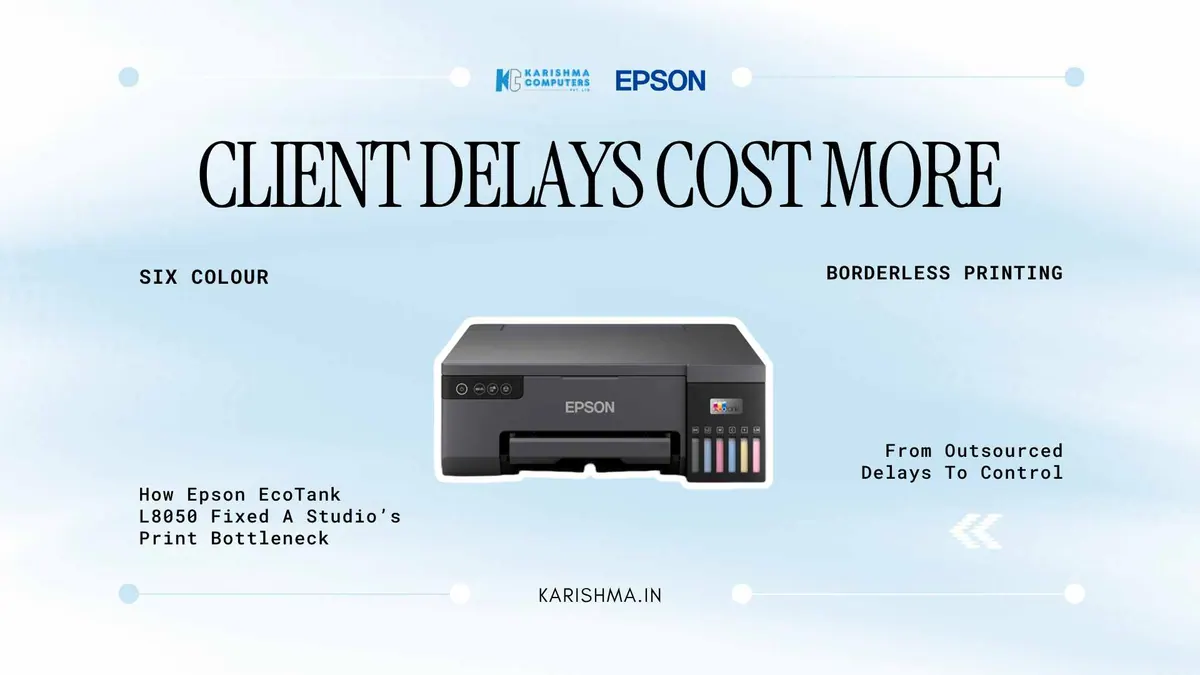
What a CR Park Studio Learned From the Epson EcoTank L8050 After Months of Client Delays
Inside a small photography studio in CR Park, the Epson EcoTank L8050 became the answer to a problem nobody had diagnosed correctly for almost a year.
The studio’s owner ran a two-person operation shooting weddings, birthdays and corporate headshots across South Delhi. Client complaints had started piling up, all variations of the same line: “You promised the album by a certain date, and it’s late.” The owner’s first read on this was simple. The retouching was slow. So a freelance retoucher was brought on to speed up editing turnaround. Delivery times barely moved.
That’s the part of this story most vendors never hear, because most studios never trace the delay back far enough to find where it actually starts.
What Was Actually Happening
The retoucher finished files quickly, most of the time. The real bottleneck sat one step later, at the local print lab the studio had used for years. Every album order went out to be printed externally, and that lab’s own queue, not the studio’s editing speed, decided when a client finally held their photographs. During wedding season, that queue stretched on its own.
Nobody had billed that delay to printing. It showed up instead as client dissatisfaction, as the studio quietly giving discounts on invoices to keep angry clients from leaving bad reviews, as the owner personally calling the lab twice a week to “just check where the order stands.” None of that appeared on a printing line item anywhere. It appeared as discounts given, as goodwill spent, as hours the owner wasn’t shooting or editing because they were chasing a vendor.
This is a pattern that shows up across small service businesses in Delhi NCR more often than owners realise. A workflow bottleneck gets treated as a people problem, staffing gets adjusted, and the actual constraint sitting outside the building never gets examined.
Why The Fix Wasn’t More Staff
Bringing printing in-house meant the studio needed a machine that could handle borderless A4 prints without turning colour accuracy into a gamble. That’s where the Epson EcoTank L8050 got shortlisted over a standard home inkjet, largely because of Epson’s Heat-Free Technology, which Epson describes as printing without heating the ink. For a studio printing wedding photographs all day, consistent output across a long run matters more than most buyers expect walking in.
The six-colour dye ink system on the Epson EcoTank L8050 was the second deciding factor, since photo-oriented printers commonly use more than four colours.
The studio’s owner didn’t initially care about ink economics. That mattered later. Epson lists up to 2,100 4R photos per colour ink set (specifications can vary by model and region; please confirm the India variant with us), which changed a recurring outsourcing cost into an occasional bottle purchase.
The Corporate Side Nobody Mentions
There’s a second use case that rarely comes up when photo printers get discussed, and it’s worth naming because it explains why this model keeps appearing on procurement lists that have nothing to do with photography.
Offices, schools and small hospitals across Noida and Gurgaon regularly need visitor badges, staff ID cards and event passes printed on PVC, along with the occasional CD or DVD label for archived records. The Epson EcoTank L8050 supports direct printing onto PVC ID cards and disc surfaces without needing a separate specialty printer sitting idle between uses. A front office handling admissions season ID cards for a school in Indirapuram, for instance, gets more practical use out of that single feature than most marketing material for the printer ever mentions.
What Changed, In Practical Terms
After bringing the machine in-house, the studio’s delivery window shortened noticeably. What caused it matters more than the size of the change: printing was no longer a step the studio had to wait on someone else to finish. The printer’s wireless connectivity (please confirm the exact Wi-Fi features for your model with us) meant orders could go from the editing laptop to the printer without a USB drive changing hands, and the Epson Smart Panel app let the owner manage the printer from a phone.
With the Epson EcoTank L8050 handling both jobs, the discounts on invoices became far less frequent. That’s the part worth sitting with. The studio wasn’t losing money on labour or talent. It was losing money on a workflow step it had outsourced without ever calculating what the wait was actually costing in client goodwill.
Where The Epson EcoTank L8050 Fits Into Studio Economics
Every studio owner who has priced a photo printer against continued outsourcing eventually asks the same practical question: does the arithmetic actually work, or does it just feel better to own the equipment. It’s a fair question, and it deserves a real answer rather than a marketing one.
Epson EcoTank L8050 Cost-Per-Print Compared To Outsourcing
The local print lab the CR Park studio had been using charged per photograph, with rush fees layered on top during wedding season when volume spiked and turnaround mattered most. Those rush fees, ironically, were the studio’s own money being spent to solve a problem the studio itself hadn’t caused. Once printing moved in-house, the studio paid for ink bottles instead (Epson lists up to 2,100 4R photos per colour ink set), at a more predictable cost that didn’t multiply during busy months.
That predictability changes how a studio prices its own packages. Wedding season no longer meant negotiating rush charges with a third party and quietly absorbing some of that cost to protect the client relationship.
There’s a second, less obvious saving that rarely makes it into a spreadsheet. The hours previously spent driving to the lab, following up on delayed orders, or explaining delays to an unhappy client were hours the owner wasn’t shooting, editing, or meeting new clients. Once the Epson EcoTank L8050 removed the external handoff entirely, those hours went back into the business rather than into managing a vendor relationship that had quietly become a liability.
None of this means every studio needs to own a photo printer. A studio shooting a handful of assignments a month may genuinely be better served by an occasional outsourced print run. But past a certain volume, the outsourcing model can start working against the business rather than for it, and that’s when this conversation tends to resurface.
A Pattern Worth Recognising
Service businesses tend to look inward first when something is slow, at people, at process, at motivation, because those are the variables that feel controllable. Equipment sits quietly in the background until someone finally asks whether the bottleneck was ever a people problem at all. That question is worth asking earlier than most businesses ask it, and usually before another round of hiring gets approved to fix what a machine was actually causing.
For studios, schools, and small offices across Delhi NCR juggling photo output, ID cards and disc printing on separate, aging equipment, the calculation is rarely about whether a photo printer is worth the investment. It’s about how long the real cost has been hiding somewhere else on the balance sheet, waiting to be noticed.
What print resolution does the Epson EcoTank L8050 support?
The Epson EcoTank L8050 is a six-colour dye ink tank photo printer using Epson’s Heat-Free Technology. Please confirm the exact resolution for the India variant with us.
How many photos can the Epson EcoTank L8050 print before a refill?
Epson lists up to 2,100 4R photos per colour ink set (specifications can vary by model and region; please confirm the India variant with us). Actual numbers depend on your print volume and content.
Can the Epson EcoTank L8050 print PVC ID cards?
Yes. The Epson EcoTank L8050 supports direct printing onto PVC ID cards along with CD and DVD surfaces, making it useful for schools, offices and institutes handling admissions or visitor badge printing alongside photo work.
Is the Epson EcoTank L8050 suitable for a small photography studio?
It can suit a small studio. Epson lists a six-colour dye ink system and borderless A4 printing, and bringing printing in-house removes dependence on external print lab turnaround times.
How fast does the Epson EcoTank L8050 print a photo?
Print speed depends on the size and quality setting. Please ask us for the manufacturer’s published speed for the India variant.
Does the Epson EcoTank L8050 support wireless printing?
Epson India lists Epson Connect and the Epson Smart Panel app for this printer. Please confirm the exact wireless features for the India variant with us.
What is the warranty on the Epson EcoTank L8050?
Epson lists a warranty of 1 year or 50,000 pages, whichever comes first. Please check your product’s warranty terms.
This article uses an illustrative scenario. Names, figures and outcomes are examples, not customer results.
More from Epson: all Epson products · full product finder · request a quote
Related products
Keep reading
Not sure which fits?
Tell us what you need. Our team will help you choose and send a quote.
A note on the stories on this blog: some are illustrative scenarios written to explain an idea. They are not reports about named customers, and any likeness to a real business is a coincidence. Product details come from the brand's official India website, so the team confirms the current India model and configuration on an enquiry.