Fujitsu Scansnap Sv600 overhead book scanner Delhi NCR
This page is kept for reference and may not be relevant to our current range. See our current range, or ask us which model suits you.
In short A publishing house's book digitisation stalled for months, and the cause was the scanning method, not the staff. An illustrative scenario with the Ricoh.
Why Digitisation Drives Stall Before the Ricoh ScanSnap SV600 (formerly Fujitsu) Opens the Book
Long before the Ricoh ScanSnap SV600 (formerly Fujitsu) reached a publishing house in Daryaganj, the backlist project there had a settled explanation for every delay: the staff were slow. The plan was to digitise a large set of out-of-print titles for e-book and print-on-demand editions within a year. Six months in, only a small share was done. The managing editor read the numbers as a discipline problem and asked for longer hours. The reasoning seemed sound. The monthly target was far above what the operators were managing, and a gap that wide looked like effort. Nobody had timed what happened inside a single scan of a single page.
The Fixes That Damaged What They Were Meant to Save
Two more part-time operators were hired, and the pace improved for a fortnight. A scanning vendor then quoted a fast, cheap rate, with one condition: spines would be cut off so loose pages could be fed through a sheet-fed machine. One sample title, a 1970s Hindi anthology with no spare copy, came back as a pile of loose leaves. The vendor was dropped. The quote had looked inexpensive per page, but it priced the scanning alone. It left out the cost of a title that could never be reprinted from its own pages again, and for a house whose backlist is its main asset, that omission mattered more than any rate card.
The cause surfaced when the production head sat beside a part-time operator for a full afternoon. The old flatbed scanner needed each open spread pressed flat against the glass, and the pressing cracked brittle bindings. Pages near the spine came out curved, with a dark shadow down the gutter, so every second page was scanned twice. The operator also slowed down on the oldest books, because two had already split. The staff were not slow. They were being careful with the only copies the house owned.
The pattern repeats among publishers in Daryaganj, college libraries in Lajpat Nagar and law chambers near Saket. A slow archive project gets filed under people, because people are what the manager sees working.
How the Ricoh ScanSnap SV600 Reads an Open Book
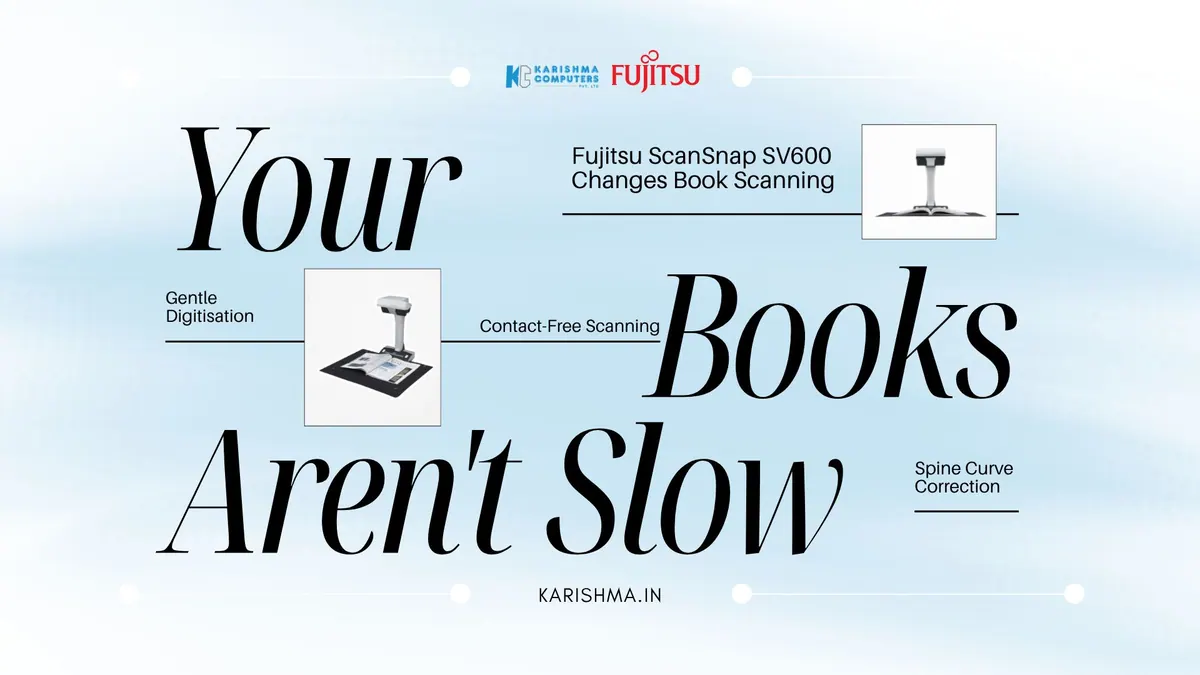
The Ricoh (formerly Fujitsu) ScanSnap SV600 is an overhead scanner. The book rests face up on the desk, and a camera above it captures the open spread without anything touching the page. Documents up to 30 mm thick fit beneath it, and the Ricoh India page lists about 3 seconds per page.
The software does the work that pressing used to do. Advanced image correction flattens curve distortion in scanned books, and the scanner erases finger images captured during scanning. It also scans multiple business cards, photos and newspaper clippings in one batch. The unit stands 383 mm high and weighs 3.0 kg, and it works with the ScanSnap Home software.
At about three seconds a capture, the pace is set by turning pages and checking images, which is where an operator’s care belongs. The footprint is small enough for a corner table, since the base measures 210 by 156 mm.
What the Ricoh ScanSnap SV600 Asks of the Operator
Pages are turned by hand, so one operator turns, scans and checks. Page-Turning Detection starts the next scan automatically, and Karishma Computers can help you plan the workflow around your volumes.
The Invoice Booked Under Stock Loss and Overtime
The cost was spread across ledgers that never met. Two split books were written off as stock loss. Clean-up of gutter shadows and retyping of curved lines went under editorial proofreading. Overtime and the extra part-time operators sat under HR. The largest item appeared nowhere at all: the e-book list missed its seasonal launch window, and the revenue that never arrived left no entry.
None of these lines carried the scanner’s name. The flatbed had never been questioned, because it scanned and files came out. When the production head added damaged stock, proofreading hours and six months of extra salaries, the figure exceeded the cost of equipping the room with the Ricoh ScanSnap SV600.
What Changed in the Backlist Room
The Ricoh ScanSnap SV600 went on a table in the corner, and the books stopped being pressed. Each volume was laid open under the camera, the page was turned, the spread was scanned and the operator checked the image on screen. Gutter shadows were corrected in software, and double scanning stopped. The monthly count of finished titles rose noticeably. The sister title of the 1970s anthology went through without a crack in the binding.
The production head repeated the stopwatch exercise a month later and recorded where each minute of a title went. Turning pages and checking images now took most of the time, and handling damage had dropped out of the schedule entirely. A project that had been reported as a staffing problem for half a year turned out to be a handling problem that one table in the corner could address.
The operators changed too. The part-time staff stopped apologising for their pace, and the managing editor, who had asked for longer hours, cancelled the extra shifts. Text recognition and proofing remained separate steps in the publisher’s workflow, and those now started from cleaner images.
What the Digital Copy Is Actually For
A scanned backlist serves three purposes, and each sets a different quality bar. A reading copy for an e-book needs legible text and clean margins. A working copy for proofing and text recognition needs even contrast across the spread, which curve correction helps with. A preservation copy of a rare title is a separate decision that deserves a conversation with an archivist before any equipment is bought. Most Delhi NCR publishers, libraries and chambers need the first two, and an overhead scanner answers those without touching the binding.
Choosing Between Overhead and Sheet-Fed Scanning
Overhead scanning suits bound or fragile originals; stacks of loose paper suit an fi Series sheet-fed scanner. The choice depends on two questions. Is the original bound or fragile? Does anyone press the book to get it scanned?
The Observation Beyond the Archive
Digitisation projects are measured in pages per day and judged by the people doing them, while the real pace is set by how gently the original can be handled. An operator protecting an irreplaceable object will slow down, correctly, and the schedule records that as a lack of effort. The same habit shows up in records rooms of hospitals in Saket, chambers and accountancy firms in Connaught Place, and school archives in Karol Bagh, wherever the paper is older than the people scanning it.
For publishers, libraries, chambers and institutions in Delhi NCR holding bound volumes, Karishma Computers can confirm the current model and configuration of the Ricoh ScanSnap SV600 (formerly Fujitsu). Product status and branding (the ScanSnap range is now marketed under Ricoh/PFU) can change, so please confirm the exact model with us. The first test needs no equipment: one operator, one old book, and a count of how often the spine gets pressed.
FAQs
-
Q1. What is the Ricoh ScanSnap SV600?
The Ricoh ScanSnap SV600 (formerly Fujitsu) is an overhead scanner for books, magazines and documents. The item rests face up on the desk and a camera above captures it without anything touching the page.
-
Q2. What is the scanning speed of the Ricoh ScanSnap SV600?
Ricoh lists about 3 seconds per page.
-
Q3. How does the Ricoh ScanSnap SV600 handle curved book pages and fingers?
Advanced image correction flattens curve distortions in scanned books, and the scanner erases finger images captured during scanning.
-
Q4. How thick a book can the Ricoh ScanSnap SV600 scan?
Ricoh lists documents up to 30 mm thick.
-
Q5. What software works with the Ricoh ScanSnap SV600?
Ricoh lists ScanSnap Home as its all-in-one software. Please ask us to confirm computer compatibility for your setup.
-
Q6. What is the resolution of the Ricoh ScanSnap SV600?
Ricoh lists optical resolution of 285 to 218 dpi horizontally and 283 to 152 dpi vertically.
-
Q7. Where can organisations in Delhi NCR buy the Ricoh ScanSnap SV600?
Karishma Computers can confirm the current model and configuration of the Ricoh ScanSnap SV600 for publishers, libraries, chambers and offices across Delhi NCR. Enquiries can be made through karishma.in.
This article uses an illustrative scenario. Names, figures and outcomes are examples, not customer results.
Keep reading
Not sure which fits?
Tell us what you need. Our team will help you choose and send a quote.
A note on the stories on this blog: some are illustrative scenarios written to explain an idea. They are not reports about named customers, and any likeness to a real business is a coincidence. Product details come from the brand's official India website, so the team confirms the current India model and configuration on an enquiry.