
Meeting Room Projector Delhi NCR: Five Checks Before You Buy
In short Short answer: for a meeting room projector, check brightness, resolution, lamp life, throw distance and setup before you shortlist any model. This guide uses the figures Epson publishes on its India website for the Epson CO-W01.
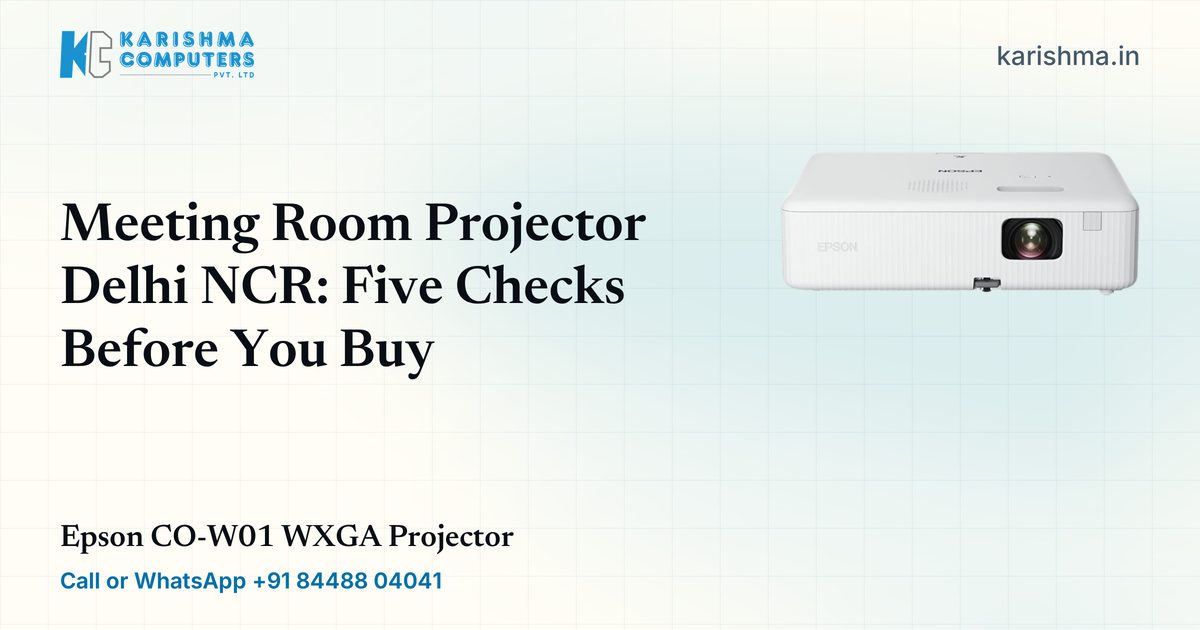
Short answer: for a meeting room projector, check brightness, resolution, lamp life, throw distance and setup before you shortlist any model. This guide uses the figures Epson publishes on its India website for the Epson CO-W01 WXGA Projector to show how to read a spec sheet when you are buying for an office, school or clinic in Delhi NCR.
Whether you need one projector or one for every room, the checks are the same. What changes with several rooms is the repeat work: the same model in each room means the same cables, the same remote and the same short training for everyone who books the room.
What brightness does a meeting room projector need?
Epson lists the CO-W01 at 3,000 lumens of colour brightness and 3,000 lumens of white brightness, measured to ISO 21118:2020, and 2,000 lumens in economy mode. It uses 3LCD, 3-chip projection. When you compare projectors, compare the same kind of lumens, and ask which mode the figure applies to. A room with windows or lights that stay on asks more of a projector than a darkened room, so judge brightness against the room you actually have.
Which resolution suits the laptops in your room?
The native resolution is WXGA, in a 16:10 aspect ratio, with 10-bit colour processing. A native resolution that matches the laptops people bring means fewer compromises when they connect. If your team mostly shows slides and spreadsheets, check how those look at this resolution before you commit to a number of units.
How long does a projector lamp last?
Epson lists up to 6,500 hours in normal mode and up to 17,000 hours in ECO mode, from a 230 W UHE lamp. Epson also gives its own example: about 18 years of entertainment if you watch a 1 hour 45 minute film every day with the lamp in ECO mode. To plan for a meeting room, divide the lamp hours by the hours the room is used in a year. Treat Epson's figures as an upper limit for planning, not as a promise.
What distance and screen size will the room allow?
Epson says the CO-W01 can create a display of up to 378 inches. For planning, Epson lists a 60-inch screen at a projected distance of 1.69 to 2.75 metres, a throw ratio of 1.27 to 1.71:1 and an optical zoom of 1.0 to 1.6 with manual focus. Measure the distance from the projector spot to the wall in each room, because rooms in the same office are rarely the same size.
What should you check about setup and placement?
There is an HDMI input, direct power on and off, a keystone slider, and keystone correction of plus or minus 30 degrees, horizontal and vertical. Epson lists auto keystone as vertical only. Epson also warns against ceiling or wall mounting where there is heavy oil smoke, volatile oils or chemicals, because parts can degrade over time. For high places, it lists an operating altitude of 0 to 3,000 metres and recommends high altitude mode above 1,500 metres.
What should you ask a vendor before you commit?
Whoever you buy from, ask these before you decide:
- Which exact model and configuration is current in India today, and is it available now?
- Which cable and adapter does each room need for the laptops people bring?
- Can the projector be placed or mounted the way you plan, given Epson's placement notes above?
- If you need several rooms, can they all be the same model?
- What does Epson India publish about warranty and support for this model?
Who is the CO-W01 meant for?
Epson positions the CO-W01 for office presentations, meeting rooms, portable setups that move between rooms, and video or training sessions.
Planning meeting rooms in Delhi NCR?
Tell Karishma Computers how many rooms you have, the size of each, what laptops connect and when you need the equipment, and we will help you shortlist and confirm the current India model and availability. Send an enquiry through request a quote, call or WhatsApp +91 84488 04041, or visit us at Ashok Bhavan, 93 Nehru Place, New Delhi, Monday to Saturday, 11 am to 7 pm. Product details here come from Epson's official India website at epson.co.in, so please check them there as well.
Questions and answers
How large a display does Epson list for the CO-W01?
Epson says the CO-W01 can create a display of up to 378 inches. For planning, it lists a 60-inch screen at a projected distance of 1.69 to 2.75 metres.
What is the lamp life of the Epson CO-W01?
Epson lists up to 6,500 hours in normal mode and up to 17,000 hours in ECO mode.
Does the Epson CO-W01 have an HDMI input?
Yes. Epson lists an HDMI input, and keystone correction of plus or minus 30 degrees, horizontal and vertical.
Where should I not mount a projector?
Epson warns against ceiling or wall mounting where there is heavy oil smoke, volatile oils or chemicals, because parts can degrade over time. Ask Epson support about your environment.
Can Karishma Computers help me plan projectors for several rooms?
Tell us the number of rooms, the room sizes and what you connect, and we will help you shortlist and confirm the current India model and availability.
More from Epson: all Epson products · full product finder · request a quote
Not sure which fits?
Tell us what you need. Our team will help you choose and send a quote.