
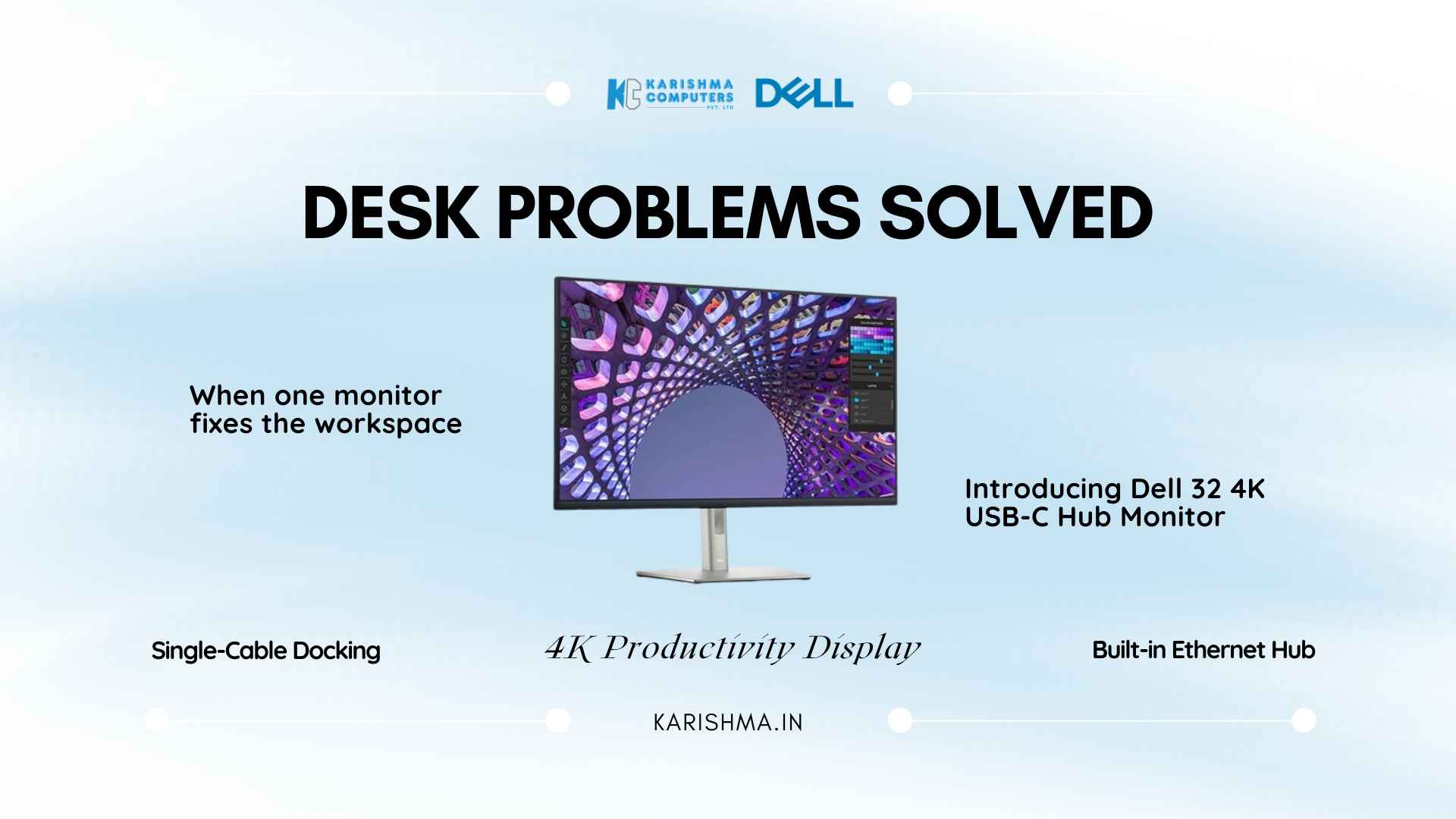
Dell 32 4K USB-C Hub Monitor: Why Cluttered Desks Are No Longer Inevitable
When the Desk Itself Becomes the Problem Dell 32 4K USB-C Hub Monitor sits at the intersection of two trends that most workspace conversations treat separately: display quality and connection architecture. The P3223QE combines them. One cable from a compatible laptop handles power delivery at 90W, display output at 3840 x 2160 resolution, peripheral connectivity through an integrated hub, and wired ethernet through a built-in RJ45 port. What reads as a specification list on paper produces a noticeably different working experience across a full working week. The Desk That Six Decisions Built Desk setup decisions accumulate. A monitor purchased three years ago. A USB hub added when the laptop ports ran out. A separate ethernet adapter acquired when the wireless connection proved unreliable during video calls. A charging brick that stays plugged in regardless. A webcam on a clip. A laptop stand that appeared after the physiotherapy recommendation. None of these decisions was wrong in isolation. Together, they produce a desk that demands attention before work begins. An architecture firm in DLF Cyber City, Gurgaon, documented this problem in measurable terms when evaluating their workspace refresh last year. Fourteen architects, each desk carrying an average of seven separate cable connections. The IT coordinator estimated forty-five minutes daily across the team spent reconnecting, repositioning, or troubleshooting connection failures. Not system crashes. Not software issues. Cable reality. The specific trigger for escalation: a senior architect presenting revised floor plans to a client via screen share. The USB hub failed mid-presentation. The client waited eleven minutes while the connection sequence restarted. The meeting continued, but the billing conversation afterward did not go smoothly. One Cable Changes the Morning Routine The Dell 32 4K USB-C Hub Monitor addresses this category of friction at its source. A single USB-C cable from a compatible laptop connects to the monitor and establishes display output, laptop charging at 90W, downstream USB connectivity for peripherals, and wired ethernet in one action. Docking is not a ritual. It is a single motion. The 90W power delivery specification warrants attention beyond the headline number. Many USB-C hubs list power delivery as a feature but deliver 45W or 65W, which maintains charge during light tasks but drains the battery during processor-intensive work. The P3223QE’s 90W covers most ultrabooks and mid-range professional laptops at meaningful charge rates during active workloads, including extended video calls and large file processing. The Hub Expands Thoughtfully The integrated hub provides: USB-C upstream at 90W, multiple USB-A downstream ports for peripherals, one USB-C downstream port for additional devices, RJ45 ethernet for stable wired networking, HDMI 2.0, and DisplayPort 1.4. An architect connecting a drawing tablet, external storage drive, and keyboard occupies the hub without additional adapters. A financial analyst running dual data feeds and a compliance dongle finds the same sufficiency. For organizations managing hybrid work policies where employees dock at the office and connect at home, this means the same cable behavior at both locations. The laptop arrives, connects once, and is operational. Adapter dependencies disappear from the equipment checklist. What 32 Inches at 4K Actually Means for Work Display size and resolution interact in ways that matter more at a desk than specification comparisons suggest. A 27-inch 4K monitor delivers higher pixel density, which produces sharper text and fine detail at standard viewing distance. A 32-inch 4K monitor delivers more usable working area, which produces different workflow benefits. A tax and audit firm in Nehru Place evaluated both sizes across a six-person team before standardizing on the P3223QE. The determining factor was document review. Accountants working through multi-sheet financial models on a 27-inch 4K display still scroll horizontally to read full row data. On the 32-inch panel at the same resolution, two full spreadsheet views sit side by side at comfortable reading size without reducing zoom. The partners called it working at actual size for the first time. The 99% sRGB coverage on the IPS panel ensures color consistency across standard professional output. Marketing teams reviewing campaign assets, product managers approving interface mockups, and architects checking rendered material finishes all work from a display reference that matches what clients and printers see. Portrait Mode Is Used More Than Expected The P3223QE stand allows pivot to portrait orientation. Specifications mention this. What specifications do not convey is how often knowledge workers discover they prefer it for specific tasks once it is available. Legal documents and compliance reports that scroll endlessly in landscape become single-page reading experiences in portrait at 4K. Developers reviewing long code files work without the vertical scroll fatigue that accumulates across an eight-hour session. Content writers editing long-form copy read more of the document without interruption. A recruitment consultancy in Gurgaon Sector 44 running eight to ten video interviews daily per consultant found portrait mode unexpectedly practical for candidate brief review. Interviewers keep the candidate profile visible in full without scrolling during the conversation. The outcome is a perceptible difference in interview quality, which the consultancy tracked through hiring manager feedback scores over a quarter. The Ergonomic Calculation The stand adjusts across four axes: height, tilt, swivel, and pivot. Height adjustment is the one most organizations underestimate during procurement discussions and most employees notice within the first month. Correct monitor height, set at eye level, reduces the neck flexion that accumulates during extended screen sessions. The P3223QE’s height range covers the adjustment required for desk setups at different chair heights and for standing desk configurations. ComfortView Plus implements blue light reduction at the hardware level rather than through software filtering. The practical difference: software filters that reduce blue light shift color rendering toward warmer tones, which affects color-sensitive review tasks. Hardware-level reduction maintains accurate color output while lowering the high-energy light exposure that contributes to eye fatigue across long working days. Who the P3223QE Is Right For The Dell 32 4K USB-C Hub Monitor delivers full value to professionals and organizations where USB-C laptops are standard issue. MacBooks, Dell XPS and Latitude lines, HP EliteBooks, and Lenovo ThinkPad X and T series with