
Poor Projection or Poor Preparation: Why the Epson CO-W01 WXGA Projector Is Worth a Look
In short An illustrative scenario on how a projector can be mistaken for a presentation problem, and what Epson publishes about the CO-W01 WXGA projector.
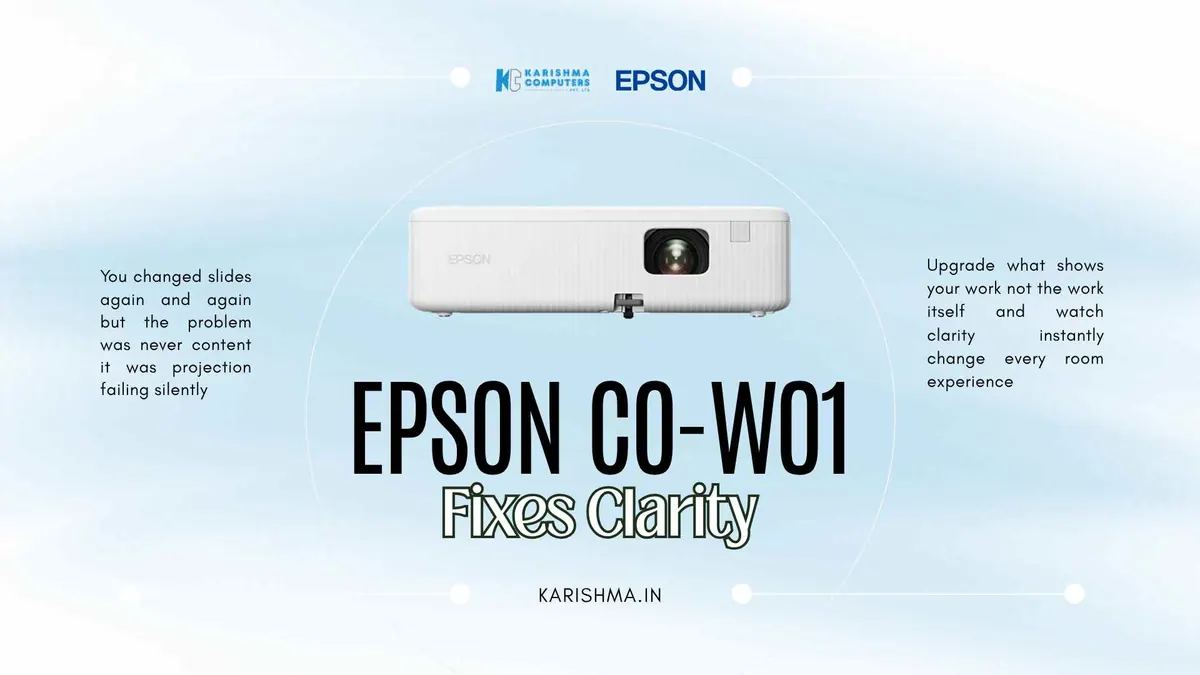
Imagine a training facility in Noida Sector 62 with a projector at the centre of a problem nobody diagnosed correctly. The training team revised slide decks several times. Session durations were trimmed. A consultant reviewed the adult learning framework. One senior facilitator quietly stopped accepting bookings for that specific room. Review scores for sessions held there ran consistently below scores for the same content delivered elsewhere. Nobody had examined the equipment.
This is a pattern visible across conference rooms and training spaces throughout Delhi NCR. The medium degrades, the message takes the blame, and the teams caught between them spend months adapting their communication style to the limitations of failing hardware.
What the Team Got Wrong First
Before the facilities team brought in a vendor to audit the room, the training department had already attempted a fix. Every slide deck was redesigned with high-contrast layouts, white text on dark backgrounds, enlarged fonts throughout. Data tables were broken into multiple slides to avoid small figures. The effort moved participant scores slightly. It did not address the actual problem.
What was happening: an older projector, acquired when the training room was smaller, was projecting washed-out images under the room’s ambient light. Data-heavy slides were unreadable past the fourth row of chairs regardless of font size. Colour-coded performance charts meant to carry the session’s core argument arrived at participants as indistinct grey patches.
The invisible cost had been charged to trainer performance. Review scores were tracked against individual facilitators. One of the most experienced trainers in the department had started declining bookings in that room specifically. The projector had never appeared in any conversation about the problem.
Why the Epson CO-W01 WXGA Projector Changed What Slide Redesigns Could Not
In the scenario, the equipment change made a difference that months of slide redesigns had not. Three aspects of the transition are worth examining closely.
3LCD Technology and the Colour Gap Most Organisations Never Benchmark
Epson’s 3LCD technology uses three separate liquid crystal display panels, one for each primary colour channel. Epson states that the CO-W01’s colour light output equals its white light output at 3,000 lumens (ISO 21118:2020; 2,000 lm in ECO mode). That matters for a spreadsheet with green, amber, and red performance cells projected in a boardroom with blinds half-drawn.
Most organisations do not compare colour brightness with white brightness. What teams observe is that certain presentations seem to work better in certain rooms, and they attribute this to lighting, room size, or presenter skill.
Why the Epson CO-W01 WXGA Projector’s Lamp Life Is Worth Checking
Epson lists lamp life of up to 6,500 hours in normal mode and up to 17,000 hours in ECO mode. It is a figure that belongs in the total cost of ownership calculation for operations teams. Organisations that compare projector prices without including lamp replacement cycles are comparing incomplete numbers. Specifications can vary by model and region; please confirm the India variant with us.
What Offices in Delhi NCR Are Discovering
An architecture firm might print large-format reference images for client presentations because rendered images shown by projector prompt feedback that the colours differ from the files. A supplier training programme might add a disclaimer slide at the start of every session saying that materials look different on participants’ own screens.
In such cases, a projector can require behavioural workarounds for so long that the workarounds are no longer recognisable as workarounds. They become process.
The Resolution Specification That Addresses the Most Common Boardroom Complaint
WXGA resolution provides a 16:10 aspect ratio that matches many contemporary widescreen laptop displays more closely than XGA projectors. When a presenter’s laptop shows a slide designed for a widescreen display, the projected image can fill the screen with less letterboxing.
This matters in rooms where multiple presenters connect sequentially with different laptops. Mixed-resolution setups can introduce visual inconsistency that looks like a content design problem when it is an equipment problem.
One Observation Worth Carrying Beyond This Conversation
Organisations adapt to their tools more readily than they question them. This is consistent across industries and equipment categories. When a medium consistently distorts the message, the first response is nearly always to change the message. Fonts grow larger. Colour palettes shift to compensate for projection weakness. Presenters move physically closer to the screen. Disclaimers get added to the start of presentations.
By the time the tool is replaced, the adapted behaviour has frequently calcified into company standards. The Epson CO-W01 WXGA projector offers 3,000 lumens in normal mode (2,000 lm in ECO mode) and WXGA resolution in a compact unit. What matters most after a switch is not the brightness figure. It is the conversations you stop having about your slides.
The Decision at Karishma Computers
For businesses in Gurgaon, Noida, Faridabad, and central Delhi evaluating presentation equipment, the Epson CO-W01 WXGA projector is worth considering. Epson’s published lamp life makes total cost of ownership easier to calculate, and the WXGA native resolution aligns with many widescreen laptop outputs.
In the scenario, once the projector was identified as the source of the problem, the question was direct: how long had it been this way? Months of slide redesigns, a consultant engagement, and a facilitator avoiding a specific room could all be traced to a projection unit that was never examined.
A projector is not a cure for communication problems, but checking the equipment first is worth the upgrade conversation.
Karishma Computers supplies Epson products in Delhi NCR, including the CO-W01. Current pricing and availability at karishma.in.
FAQs
Q1. What is the brightness of the Epson CO-W01 WXGA projector?
Epson lists 3,000 lumens in normal mode (2,000 lm in ECO mode) for both colour and white light output (ISO 21118:2020). Specifications can vary by model and region; please confirm the India variant with us.
Q2. What is the lamp life of the Epson CO-W01 projector?
Epson lists up to 6,500 hours in normal mode and up to 17,000 hours in ECO mode. Please confirm the India variant with us.
Q3. Does the Epson CO-W01 WXGA projector support HDMI?
Yes, the Epson CO-W01 has an HDMI input, allowing connection to laptops and other HDMI devices. It is a WXGA projector with a 16:10 aspect ratio.
Q4. Is the Epson CO-W01 suitable for mid-size meeting rooms in Delhi NCR offices?
Epson lists a throw ratio of 1.27-1.71:1 and a throw range of 0.9 to 10.4 m, with a maximum image size of 378 inches. Please ask us whether it suits your room size and lighting.
Q5. How does 3LCD technology work in the Epson CO-W01?
3LCD technology uses three separate liquid crystal display panels, one each for red, green, and blue. Epson states that colour light output equals white light output at 3,000 lumens for this model.
Q6. What is the price of the Epson CO-W01 WXGA projector in India?
Pricing varies by availability. Karishma Computers supplies Epson products in Delhi NCR, including Gurgaon, Noida, Faridabad, and central Delhi. Visit karishma.in for current pricing and availability.
This article uses an illustrative scenario. Names, figures and outcomes are examples, not customer results.
Keep reading
Not sure which fits?
Tell us what you need. Our team will help you choose and send a quote.