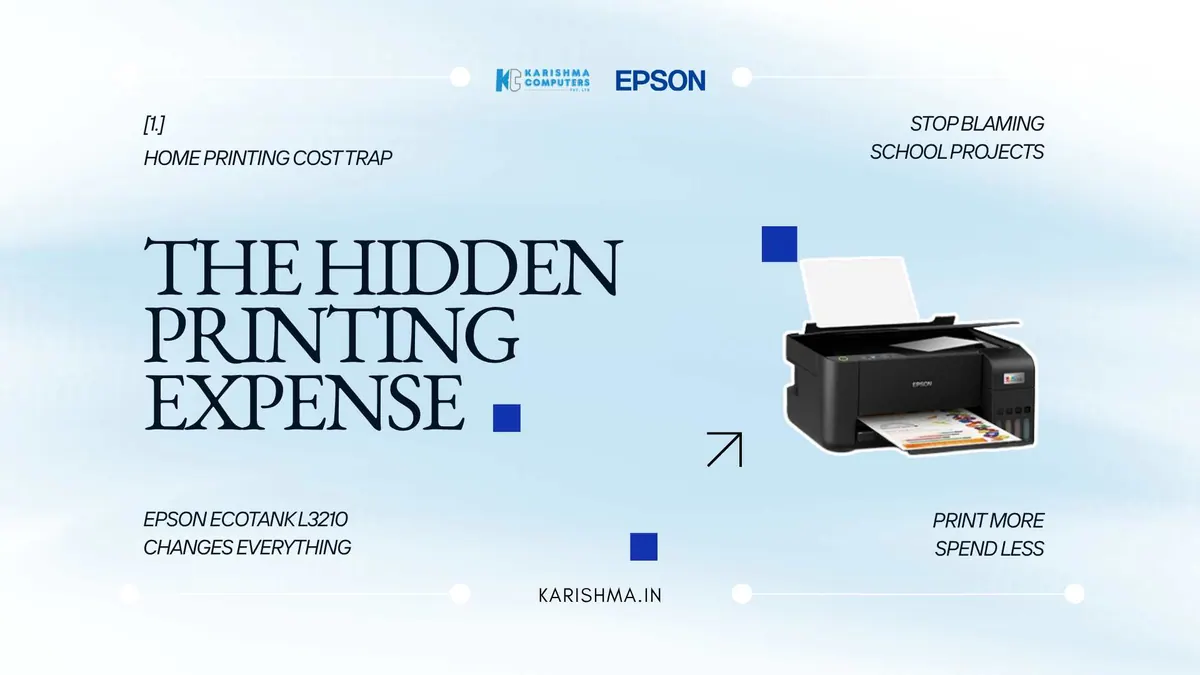
Epson Ecotank L3210 Home Office Printer
In short An illustrative look at how the Epson EcoTank L3210 ink tank printer can change home-printing costs for a freelance family in Delhi NCR.
Why the Epson EcoTank L3210 Solves a Home-Printing Problem Most Families Misdiagnose
The Epson EcoTank L3210 was nowhere in the conversation when a dual-freelancer couple in a Faridabad apartment spent the previous academic year quietly puzzled about how their home printing budget had grown so much. The husband ran a small content writing practice. The wife ran an independent legal advisory. Both children were in school. The family ran a cartridge-based inkjet printer purchased three years earlier that had been adequate for an occasional household need.
The cartridge bill kept arriving. The conversation in the house had turned into a low-grade resentment of the children’s school projects, which everyone had begun to blame for the cost spike. The wife mentioned it to her sister at a family lunch. The sister, a teacher, pointed out that her own children had similar project loads and that her own printing bill had not moved in two years. The wife went home and audited the actual print volume. The children’s school projects accounted for only a small share of the household’s print volume. Most of it was the husband’s client briefs and the wife’s case research.
The cost was a household cost. The blame had been incorrectly assigned to the most visible and least powerful members of the household.
What Most Home Offices Get Wrong About Their Printer Economics
The misattribution is common in working-from-home households. The cartridge model presents a sticker price that looks reasonable at the point of purchase. The ongoing cost lives in the cartridges. For a household with low print volume, the math is tolerable. For a household where two adults are printing daily client work, it can become heavy.
The household did not have a children’s project problem. The household had a printer architecture problem.
What the Epson EcoTank L3210 Brings to a Family Home
The L3210 is an integrated ink-tank multifunction printer that prints, scans and copies. The relevant feature is structural rather than functional. The ink does not sit inside a cartridge. The ink sits inside refillable tanks visible on the side of the printer. Tanks are refilled from Epson ink bottles; please follow the refill and safety instructions in Epson’s user guide.
How the Epson EcoTank L3210 Compares to a Cartridge Printer Over Three Years
Epson lists the L3210’s ink bottles at yields of 4,500 pages in black and 7,500 pages in colour, per Epson’s published test method; actual yield varies with page content. Epson also lists a running cost of 9 paise per black page and 33 paise per colour page (method at epson.co.in/parameters). Specifications can vary by model and region; please confirm the India variant with us.
This is a cost-structure argument rather than a small saving at the margin: the ink sits in refillable tanks rather than in cartridges.
Why the Refill Cycle Matters More Than the Sticker Price
The refill cycle also changes how the household thinks about printing. A cartridge printer creates a low-grade anxiety around print volume because every page is being silently measured against the next cartridge replacement. The household begins to think about printing as an expense rather than as a productivity tool. A child asks to print an extra copy of a project for a friend, and the parent does a quick mental calculation. A freelancer needs to print a longer brief than usual, and the unconscious calculation interferes with the work itself.
The L3210 changes that calculation, because refills are needed less often than cartridge replacements. Printing returns to being a tool rather than a budgeted activity. The household’s relationship with the printer changes.
The Wrong Spending Pattern That Came First
The Faridabad family had tried something else before they bought the L3210. The husband had switched to printing his client briefs at a neighbourhood photocopy shop in the building below, on the assumption that the per-page commercial rate would work out cheaper than at-home cartridge printing. The wife had pointed out within a month that the time cost of walking down and back, the wait, the conversation and the irregular availability had made the photocopy shop more expensive in practice than the cartridges had been. The shop was abandoned. The cartridge cycle resumed.
This is the wrong turn that home offices routinely take. The instinct is to find a workaround for the cost of the existing printer. The actual solution is to replace the printer with one whose cost structure does not need to be worked around.
Where the Real Cost of the Old Printer Was Hiding
The cost of the cartridge printer had been hiding in places that did not look like printer costs. It had been hiding in the household’s small accumulating resentment of the children’s school projects, which was beginning to affect bedtime conversations. It had been hiding in the husband’s reluctance to print a second draft of his work for proofreading, which was producing client briefs with avoidable errors. It had been hiding in the wife’s late-night legal research, which she was beginning to do on screen rather than on paper because the printing felt expensive, even though her professional judgment was better when she annotated paper.
In this scenario, switching to an ink-tank printer takes the cartridge anxiety out of the household. The husband prints second drafts again, the wife returns to annotating on paper, and the children’s projects are no longer blamed for the bill.
The Same Printer in a Tutoring Practice Context
The principle generalises. A part-time tutor printing weekly worksheets for students may be tempted to print on both sides of every sheet to save cartridge cost, even when show-through makes the pages harder to read. Lower running cost per page can ease that pressure.
About Epson’s EcoTank Technology
Epson describes the L3210 as using Heat-Free technology, meaning no heat is needed for ink ejection. For the warranty, Epson’s published terms apply; please check them on the Epson India product page.
A Standalone Observation
A pattern is visible across freelancer households and small home offices in Delhi NCR right now. The home printer is treated as a low-stakes purchase made years ago and rarely revisited. The cost structure that printer imposes accumulates silently into the household budget without ever being audited as a printer cost. The household instead audits its visible expenses, finds the children’s school projects in the mix and assigns the blame to the wrong line item. The Epson EcoTank L3210 is one of the products that quietly ends the misattribution by removing the cost structure entirely.
Karishma Computers, an Epson Accredited Partner, supplies the L3210 across home offices, freelancer households, tutoring practices, small clinics and start-up workspaces in Faridabad, Vasant Kunj, Indirapuram, Gurgaon and the dense residential corridors of Delhi proper.
Q1. What kind of household or small office is the Epson EcoTank L3210 designed for?
The Epson EcoTank L3210 is designed for home offices, freelancer households, small professional practices, tutoring setups and any environment where the printing volume is regular enough that cartridge economics become punitive. It is a multifunction device that prints, scans and copies, which makes it suitable for households that need a single device handling all three tasks.
Q2. How does the EcoTank ink system differ from a cartridge printer?
A cartridge printer uses sealed cartridges that must be replaced when empty. The L3210 uses refillable ink tanks built into the printer, which the user fills from ink bottles. Epson lists bottle yields in the thousands of pages (see the question below).
Q3. What is the page yield of a single ink bottle set?
Epson lists approximately 4,500 pages in black and 7,500 pages in colour, per Epson’s published test method. Actual yield varies with page content.
Q4. Is the L3210 a wireless printer?
Please check the Epson product page for the connectivity of the L3210. Wi-Fi models are available in other EcoTank series; Karishma Computers can advise on the variants currently available in Delhi NCR.
Q5. Does the L3210 require professional installation?
The L3210 ships with setup instructions, including first-time ink-tank filling and connection to a computer; please follow Epson’s user guide. Karishma Computers offers installation guidance for households that prefer help with first setup.
Q6. Where can a Delhi NCR family or small office buy the Epson EcoTank L3210?
Karishma Computers is an Epson Accredited Partner serving Delhi NCR. The L3210 is supplied across home offices, freelancer households, small practices and tutoring setups in Faridabad, Indirapuram, Vasant Kunj, Gurgaon, Ghaziabad and the residential corridors of Delhi proper. Please ask us about refill bottle availability.
This article uses an illustrative scenario. Names, figures and outcomes are examples, not customer results.
Related products
Keep reading
Not sure which fits?
Tell us what you need. Our team will help you choose and send a quote.