
Dell All-in-One Desktops for Offices
In short A space-saving Dell all-in-one desktop can reduce cable clutter and free up desks in Delhi NCR offices, clinics and reception areas.
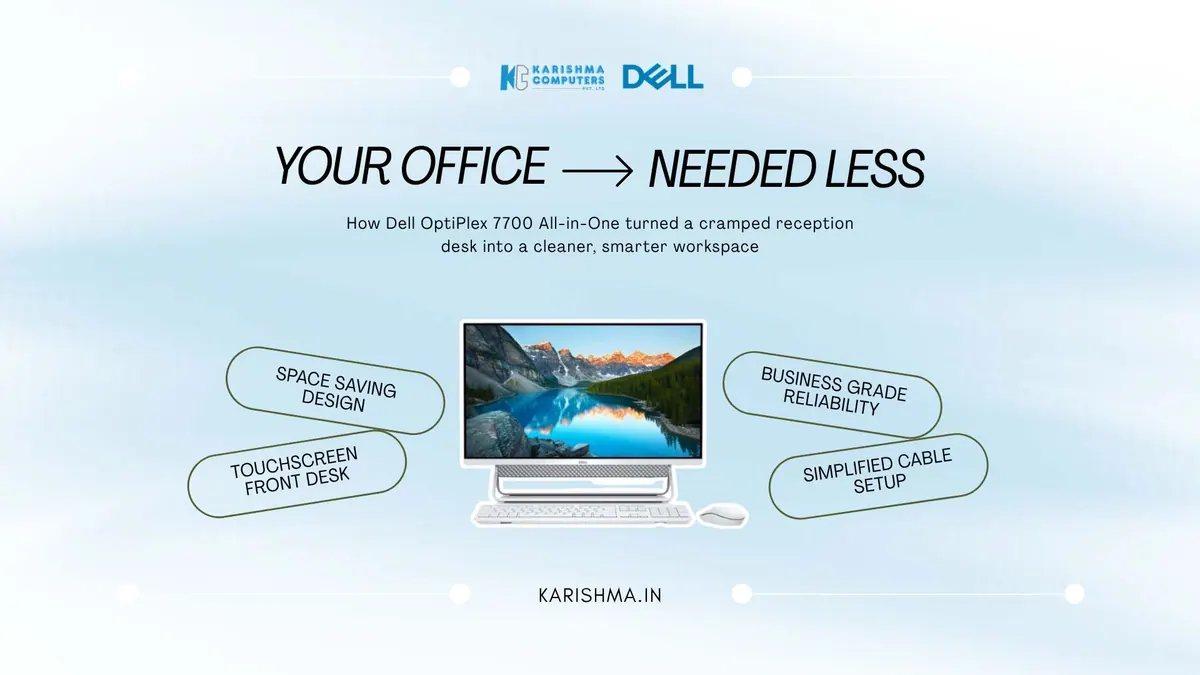
How a Dell All-in-One Desktop Helped With a Space Problem Blamed on the Office Layout
The Dell all-in-one desktop and a space problem read as a layout failure
A growing clinic in Defence Colony spent months convinced it had an office-layout problem. Reception felt cramped, staff worked around towers, monitors and cable tangles on the counter, and the practice manager began pricing a renovation to expand the front desk, treating the crowding as a matter of square footage.
The renovation quote was substantial, and it would have addressed only part of the problem, because the crowding was also about the footprint of the equipment. Separate units under the desk, separate monitors on top, and a nest of cables used up the surface where patients were meant to be greeted.
This is where a Dell all-in-one desktop reframes the situation. An all-in-one folds the entire computer into the display: one unit instead of a tower and monitor, with fewer cables. A cramped counter can become an open one without a wall being moved. Once the clinic moved to all-in-ones, the reception space that had seemed to need a renovation needed only a change of equipment.
What an Integrated Desktop Changes About a Workspace
A Dell all-in-one integrates the computer into the screen, which removes the separate tower and reduces the cabling, freeing the desk surface and calming the visual noise of a busy front office. For reception areas, clinics and customer-facing counters where the desk is part of the impression a business makes, that tidy footprint is a functional and a presentational benefit at once.
Touch is available on some all-in-one configurations. A touchscreen suits quick, tap-driven interactions such as check-in, lookup and form completion. Please check the exact model’s specifications with us before choosing.
Where the Dell all-in-one desktop fits a modern office
The integrated form also simplifies everything around it. One unit to power, one unit to connect, one unit to move if the desk is rearranged. For the compact offices and clinics of Defence Colony, Hauz Khas, and the commercial pockets of Gurgaon and Noida, that simplicity is the practical value the all-in-one form delivers.
The cost hidden in the facilities budget
The Defence Colony clinic was carrying a real cost and preparing to file it under the wrong heading. The crowding was about to trigger a renovation, a capital facilities expense, when part of the driver was the desk footprint of the equipment. The recurring cost of managing scattered units would have carried on regardless.
An all-in-one desktop is a modest line on an equipment budget, and an office renovation is a major capital outlay. When the all-in-one cleared the counter, the renovation came off the table, and the space that seemed to demand more square footage appeared once the footprint of the equipment shrank. The saving lived in the facilities budget, which had never been part of a computing decision.
Solving the right layer of a problem
There is an observation here that applies to far more than office desks. When something feels too small, cramped or crowded, the instinct is to add more of the resource that feels scarce: more space, more budget, more capacity. But scarcity is often about how the resource already present is used. The room was not too small; the equipment in it took up a lot of it.
Before adding more of a scarce resource, it is worth asking whether the existing resource is being used well, because the cheaper answer is frequently better use rather than more supply. The organisations that manage capital well are the ones that examine the footprint before they expand the floor.
What a Dell all-in-one desktop simplifies beyond the tower
The visible saving of an all-in-one is the separate tower, but the further saving is everything that came with it: the separate monitor, the power and video cabling between them, and the floor or under-desk space. A Dell all-in-one desktop collapses all of that into a single unit on the desk, which is why it can clear a counter. The point is not tidiness for its own sake; it is the recovery of usable space.
Where the configuration offers touch, it earns its place in specific workflows. For reception, check-in, lookup and form-driven tasks, a touchscreen is a natural fit, because the interaction is a tap on the thing being pointed at. Choose the configuration to match your software and your front-desk work.
Why a Dell all-in-one desktop simplifies physical changes
One unit to power, one to connect and one to move when a desk is rearranged makes a layout change simpler. For a growing clinic or office that will reorganise its space more than once, that simplicity is a recurring convenience rather than a one-time benefit.
For reception desks, clinics and customer-facing offices across Defence Colony, Hauz Khas, and the commercial districts of Gurgaon and Noida, a Dell all-in-one desktop is more than a tidier computer. It is a way to rethink a space problem before spending on the wrong layer. Please ask us about current Dell all-in-one models.
FAQs
Q1. What is a Dell all-in-one desktop?
An all-in-one desktop integrates the computer into the display, so there is no separate tower unit. It means one unit instead of a tower and monitor, with fewer cables on the desk.
Q2. Do Dell all-in-ones come with touch?
Touch is available on some all-in-one configurations. Please confirm the exact model and configuration with us, and we will suggest a suitable current Dell all-in-one for your office.
Q3. What is the benefit of an all-in-one for reception or clinic use?
An all-in-one keeps the counter tidy with a single unit. Where the configuration offers touch, it suits quick, tap-driven interactions such as check-in, lookup and form completion.
Q4. How does an all-in-one desktop save office space?
By combining the computer, screen and most cabling into a single unit, an all-in-one takes one footprint instead of a tower and monitor. This frees the surface and reduces crowding without needing more floor area.
Q5. Is an all-in-one simple to set up?
The single-unit form means fewer components to connect and move than a tower-and-monitor setup.
Q6. Where can Delhi NCR businesses buy a Dell all-in-one desktop?
Karishma Computers supplies Dell products in Delhi NCR. Please confirm the exact model with us.
This article uses an illustrative scenario. Names, figures and outcomes are examples, not customer results.
Please ask Karishma Computers to confirm the current India model before you order.
More from Dell: all Dell products · full product finder · request a quote
Keep reading
Not sure which fits?
Tell us what you need. Our team will help you choose and send a quote.
A note on the stories on this blog: some are illustrative scenarios written to explain an idea. They are not reports about named customers, and any likeness to a real business is a coincidence. Product details come from the brand's official India website, so the team confirms the current India model and configuration on an enquiry.