
Logitech Mk850 Wireless Combo Hot Desking Noida
In short Inside how the Logitech MK850 wireless combo replaced a training programme that failed to fix hot-desking friction at a Sector 62 back-office.
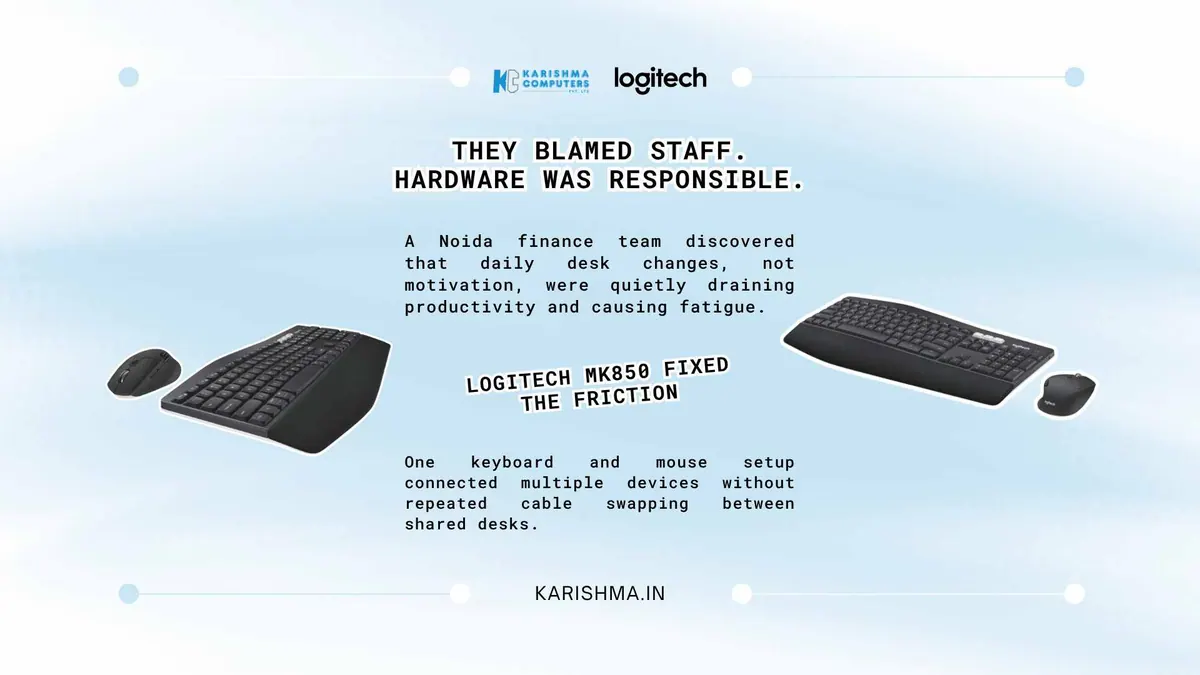
Inside the Logitech MK850 Fix a Noida Team Found After Blaming Staff Attitude
Inside a hot-desking finance back-office in Sector 62, the Logitech MK850 can address a problem management might otherwise try to fix through a training programme.
Picture a hot-desking finance back-office in Sector 62, Noida, where staff share desks across two shifts. Complaints start showing up in the quarterly engagement survey: staff describing the work as tiring, and a drop in output whenever they change desks. HR reads this as a motivation and ergonomics-awareness issue and brings in a wellness vendor to run a posture and productivity workshop for the entire floor.
The survey scores do not move.
What The Workshop Missed
The workshop addressed sitting posture and screen height, both genuinely useful, and neither one touched the actual friction point. Every hot desk had a wired keyboard and mouse connected to a shared desktop. Employees who also carried a personal or department laptop had to disconnect that wired set, connect their own peripherals or fumble with a second mouse, then reverse the process at shift end or when moving desks mid-shift for a different task queue. Multiply that handoff across a whole floor, and the productivity dip after a desk change starts looking like a mechanical problem rather than an attitude problem.
Nobody bills that time to hardware. It shows up instead in the engagement survey as fatigue, in IT ticket logs as “keyboard not responding” or “mouse lag”, and in desk-change requests that HR was reading as interpersonal friction between shift teams rather than a hardware handoff nobody had designed properly.
Why A Multi-Device Combo, Specifically
The IT lead who traces the pattern is not looking for a keyboard upgrade. The brief is narrower: something that let one employee move between a shared desktop and a personal laptop without unplugging anything. That’s a fairly specific requirement, and it is the kind of gap a multi-device combo like the Logitech MK850 is meant to address.
Logitech India lists the MK850 as pairing with up to three devices over Bluetooth Low Energy or the Unifying receiver (specifications can vary by model and region; please confirm the India variant with us). In this scenario, an employee’s shift desktop and personal laptop can both stay paired, so moving between them does not mean unplugging anything. No cable to find, no second mouse to dig out of a bag.
Battery life mattered as much as the switching itself in a shared-equipment environment where nobody wants to own “checking the batteries” as a daily task. Logitech India lists up to 36 months of battery life for the keyboard and up to 24 months for the mouse, depending on use, which can cut down battery checks for IT.
Logitech MK850 In Daily Hot-Desk Use
Comfort turned out to matter more than the IT lead initially expected. Comfort is personal, so we suggest trying the combo at a desk before you roll it out across a floor.
None of this required retraining anyone. It required recognising that “attitude” and “fatigue” can be visible symptoms of an awkward hardware handoff repeated many times a day.
What To Track After A Rollout
A useful measure is the number of IT support tickets tagged “peripheral not responding” before and after a rollout, because that is time IT staff spend on a problem that has nothing to do with software or network configuration. Desk-change requests are another signal worth watching.
What The Logitech MK850 Actually Cost Against The Alternative
Procurement conversations about peripherals tend to focus on the unit price and stop there, which is exactly how a floor of desks ends up quietly replacing broken wired keyboards and mice every few months without anyone tracking the running total. Before the rollout, the office in this scenario was buying entry-level wired sets on an ad hoc basis, usually after a cable failed or a mouse stopped tracking, at a pace nobody had bothered to add up across a year.
Logitech MK850 Deployment Math For a Shared-Desk Floor
Once the IT lead prices out a floor-wide switch to the Logitech MK850, the comparison stops being about which keyboard feels nicer and becomes a maintenance question. Logitech’s quoted battery life (up to 36 months for the keyboard, up to 24 months for the mouse, depending on use) can mean fewer consumable purchases than wired sets that fail at inconsistent intervals.
There can be a second saving that does not show up in the peripherals budget at all: IT support hours spent swapping a dead mouse or untangling a cable dispute between two employees sharing a desk, which can get misattributed to “general support load”.
The Logitech MK850 is designed for people who work across several devices. The question is whether it matches how employees actually move through a shift.
A Pattern That Extends Past One Office
Hybrid and hot-desking arrangements are common enough across Delhi NCR’s back-office and BPO sector that this particular blind spot likely exists in more buildings than anyone has audited. Organisations tend to diagnose recurring friction as a people issue first, because attitude and motivation feel like the more obvious explanation and the more directly manageable one. Equipment, particularly something as ordinary-looking as a keyboard and mouse, rarely gets questioned until someone happens to trace a complaint back far enough to find it.
For offices running hot-desking or shared-device setups across Noida, Gurgaon or Delhi where staff move between a shared machine and a personal one daily, the honest question is not whether training or wellness support helps. It’s whether the actual friction sits somewhere training was never going to reach in the first place.
That question is worth asking earlier in the audit process than most facilities and HR teams currently ask it. A survey that flags fatigue or a drop in productivity rarely points a finger at the keyboard sitting under someone’s hands for eight hours a day, because peripherals are the kind of equipment nobody notices until they stop working entirely. The gap between “not working” and “quietly working against the way people actually move through their day” is where most of this cost sits unexamined, and it tends to stay unexamined until an IT lead happens to pull the ticket logs and count.
FAQs
How many devices can the Logitech MK850 connect to at once?
Logitech India lists the MK850 as pairing with up to three devices over Bluetooth Low Energy or the Unifying receiver (please confirm the India variant with us).
How long does the Logitech MK850 battery last?
Logitech India lists up to 36 months for the keyboard and up to 24 months for the mouse. Actual battery life depends on use.
Is the Logitech MK850 suitable for hot-desking or shared-desk offices?
Its multi-device pairing is designed for setups where employees move between a common desktop and a personal laptop, reducing the need to unplug and reconnect peripherals.
How can I check the Logitech MK850 against my own devices?
Tell us which laptops, desktops and tablets your team uses and we will help you confirm compatibility with Logitech India’s listing for the MK850.
Is the Logitech MK850 comfortable for extended typing sessions?
Comfort is personal, so we suggest trying the combo at a desk before a large rollout. Please ask us to arrange it.
This article uses an illustrative scenario. Names, figures and outcomes are examples, not customer results.
More from Logitech: all Logitech products · full product finder · request a quote
Related products
Keep reading
Not sure which fits?
Tell us what you need. Our team will help you choose and send a quote.
A note on the stories on this blog: some are illustrative scenarios written to explain an idea. They are not reports about named customers, and any likeness to a real business is a coincidence. Product details come from the brand's official India website, so the team confirms the current India model and configuration on an enquiry.