Logitech PTZ Pro 2 Conference Camera Hybrid Meetings Delhi NCR
In short Silent plant heads? The Logitech PTZ Pro 2 shows what a wide shot hides: unreadable sketches, invisible speakers and a quiet rework bill.
Why Hybrid Reviews Go Quiet Before the Logitech PTZ Pro 2 Reaches the Boardroom
Last quarter, the Logitech PTZ Pro 2 was still a line item under discussion at an auto-components group in Faridabad, and the monthly production review had already developed a pattern. Forty seats filled in the head office hall. Three plant heads dialled in from Bhiwadi. By the second hour, the Bhiwadi tiles had stopped speaking. The managing director concluded that the plants lacked ownership.
The Diagnosis That Blamed the Plant Heads
Calls were made to the three plant heads about participation. A rule followed that cameras must stay on and every remote participant must speak at least once per review. The rule produced scheduled one-line comments and no questions. A laptop webcam on a stack of files at the head of the table was the first hardware fix, and a larger wall display was the second. Both fixes enlarged the picture of a room that was still badly framed.
The actual problem became visible when the quality head from Bhiwadi attended one review in person. From the hall, the screen showed a distant wide view of a long table. The presenter at the whiteboard was a small figure with a marker. Tolerance sketches drawn on that whiteboard were unreadable from a screen in another city. Whoever spoke from the far end of the table was invisible until the camera happened to catch them. The remote plant heads had not lost interest. They had lost sight of the meeting. “From Bhiwadi, the hall looked like a photograph of a meeting happening somewhere else,” the quality head said afterwards.
This is a common sequence across plants in Faridabad, Bhiwadi and Okhla. Silence on a call is filed under attitude, because attitude is the only variable a meeting chair can see.
How the Logitech PTZ Pro 2 Frames a Room That Moves
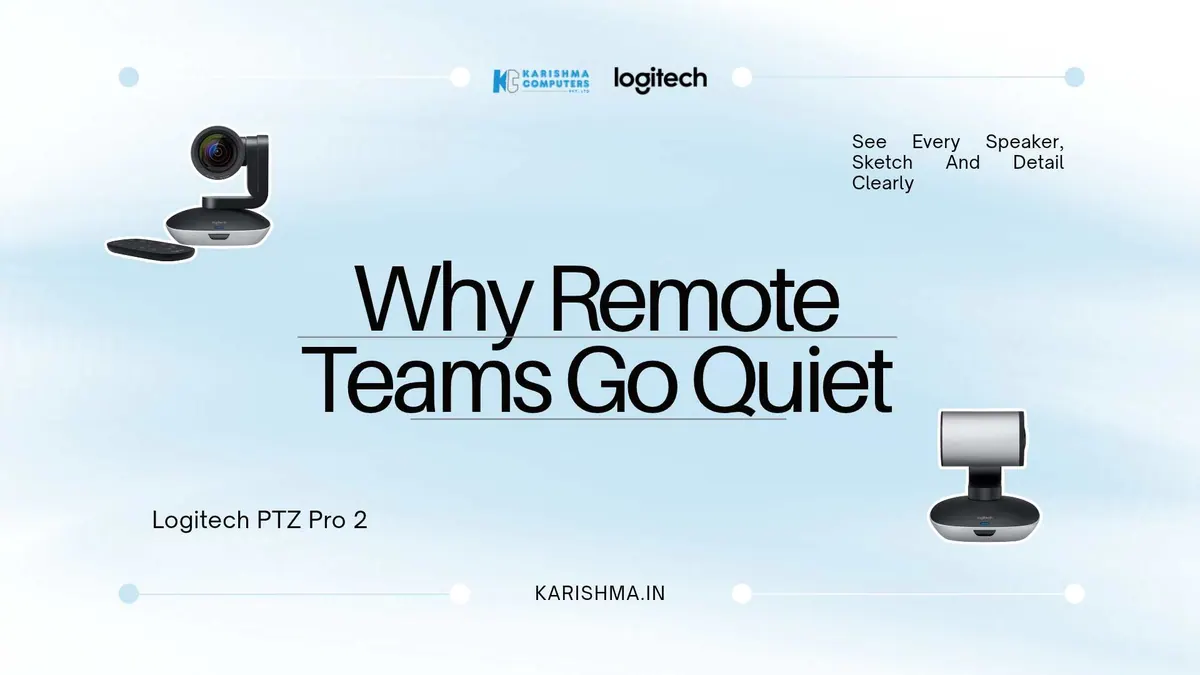
The Logitech PTZ Pro 2 is a USB video conferencing camera built for large meeting rooms. A motorised head pans 90 degrees either way and tilts from 35 degrees up to 45 degrees down, so one camera can cover a long table, the presenter and the whiteboard without anyone repositioning a tripod.
The lens captures a 90 degree diagonal field of view for the wide shot that shows everyone in the hall, then zooms to 10x HD to bring a presenter or a whiteboard sketch close enough to read. Video is HD 1080p. The camera connects to the room computer over USB, comes with a remote control and a 10-foot USB cable, and is certified for Microsoft Teams and Skype for Business, as listed by Logitech. A bracket is included in the box.
The point of this design is that remote participants can see the room and its content more clearly. For a review built around drawings, that second half matters as much as the first.
Three Presets: Why the Logitech PTZ Pro 2 Suits Fixed Review Rhythms
Production reviews follow a rhythm. The chair opens at the head of the table, a plant lead presents at the whiteboard, and questions come from the middle of the room. The camera saves three pan, tilt and zoom positions and moves between them at the touch of a button on the remote. One preset takes the wide shot, one holds the whiteboard, and one holds the chair. Nobody needs to steer the camera during the meeting, which keeps the chair on the agenda rather than on the remote. Presets also give every new chair a working room from the very first meeting. The camera can also be operated from a remote location with downloadable software, which suits IT teams supporting several rooms across Gurgaon and Noida.
The Invoice Booked Under Quality and Travel
The group had been paying for poor visibility, but never under the camera line. Drawing misunderstandings that surfaced at Bhiwadi after reviews became rework, and rework was booked in the plant’s quality report as rejection. Plant heads travelled to Faridabad once a month to attend reviews in person, because remote attendance was considered unreliable, and that cost went into travel and admin. The plant heads were also being judged on ownership.
The same group had approved a video wall for its reception area quickly. Equipment that visitors can see gets purchased quickly. Equipment whose absence is felt only by people outside the room waits. No entry in any report carried the word camera. The finance team had questioned the camera request twice, reasonably, because nothing on the books suggested a visibility problem. When the quality head tallied the rework traced to misread sketches, it was a significant cost.
What Changed in the Faridabad Hall
The Logitech PTZ Pro 2 went on a wall above the display, with presets set during one afternoon. The whiteboard preset became the default whenever a plant lead stood up. Questions from Bhiwadi began within the first review, and they were specific: a dimension, a datum, a tolerance on a bracket. Rework traced to misread sketches fell, and the monthly trip to Faridabad became optional for some of the plant heads. The chair’s habits changed as well. With a chair preset available, the person speaking was always on screen, and remote participants began addressing colleagues by name instead of as someone at the far end. Reviews ran shorter, because sketches no longer needed to be re-explained in words over the call.
Camera and Audio Are Separate Decisions
The Logitech PTZ Pro 2 is designed to work alongside room audio that is installed separately, and the audio plan is part of the same conversation. Remote participants who see a sketch clearly but hear a muffled question still disengage. A poorly heard question gets repeated, a repeated question gets shortened, and a shortened question loses the detail that made it worth asking. In the Faridabad hall, separate room audio was specified together with the camera, and the whole kit was approved as one room upgrade. Meeting rooms in Cyber City and Nehru Place that treat the camera as a standalone purchase tend to return to the same quiet calls within a quarter.
When a Smaller Camera Is Enough
A small huddle room does not need pan, tilt and 10x zoom. A compact all-in-one conference camera handles that room, and Karishma Computers advises on those as well. The PTZ camera earns its place where a room is long, where a presenter moves, or where a whiteboard carries real content. Right-sizing the camera is itself a cost control, since an oversized unit in a small room adds complexity nobody uses. Rooms with those three traits tend to appear in manufacturing groups, training centres, hospital seminar halls in Saket and large conference rooms in Aerocity.
The Observation Beyond the Hall
In a hybrid meeting, people who cannot see the whiteboard stop asking questions long before they stop attending, and the chair records their silence as agreement. Attendance data looks healthy because every tile is present, so the meeting looks inclusive on paper. The cost surfaces later, on a shop floor, in a revised drawing, in a delayed approval. The same habit appears in sales reviews, design sign-offs and board packs, wherever a decision depends on something drawn or pointed at in a room.
For organisations in Delhi NCR weighing a PTZ camera, the Logitech PTZ Pro 2 is available through Karishma Computers, a Logitech Registered Dealer (LoRD) supplying Logitech products in Delhi NCR, with a site visit available to check sight lines and audio together. The first test of any hybrid room is simple: one full meeting attended from the farthest remote seat, start to finish.
FAQs
Q1. What is the Logitech PTZ Pro 2 used for?
The Logitech PTZ Pro 2 is a USB HD 1080p video conferencing camera with motorised pan, tilt and zoom, designed for large meeting rooms.
Q2. What zoom and field of view does the Logitech PTZ Pro 2 offer?
It offers a 90 degree diagonal field of view and 10x HD zoom, as listed by Logitech (specifications can vary by model and region; please confirm the India variant with us). The head pans 90 degrees either way and tilts from 35 degrees up to 45 degrees down.
Q3. Does the Logitech PTZ Pro 2 have a microphone?
No. It is a camera and works with separate room audio. Please confirm on the specification sheet and ask us about a suitable microphone and speaker setup.
Q4. Is the Logitech PTZ Pro 2 compatible with Microsoft Teams?
Yes. The Logitech PTZ Pro 2 is certified for Microsoft Teams and Skype for Business, is compatible with Google Meet, and works with other applications that support USB cameras, including Zoom. It connects to the room computer or a laptop over USB with plug-and-play setup.
Q5. How do the presets on the Logitech PTZ Pro 2 work?
The camera saves three pan, tilt and zoom presets and moves between them at the touch of a button on the supplied remote control. The box also includes a 10-foot USB cable with power adapter and a bracket.
Q6. Can the Logitech PTZ Pro 2 be controlled from another location?
Yes. Logitech states that the camera can also be operated from a remote location with downloadable software, which helps IT teams support several rooms.
Q7. Where can organisations in Delhi NCR buy the Logitech PTZ Pro 2?
Karishma Computers, a Logitech Registered Dealer (LoRD), supplies Logitech products in Delhi NCR, including the Logitech PTZ Pro 2, with site assessment for sight lines and audio. Logitech’s India product page lists a 2-year limited hardware warranty. Enquiries can be made through karishma.in.
This article uses an illustrative scenario. Names, figures and outcomes are examples, not customer results.
More from Logitech: all Logitech products · full product finder · request a quote
Keep reading
Not sure which fits?
Tell us what you need. Our team will help you choose and send a quote.